FROM THE COMMUNITY COLLECTION
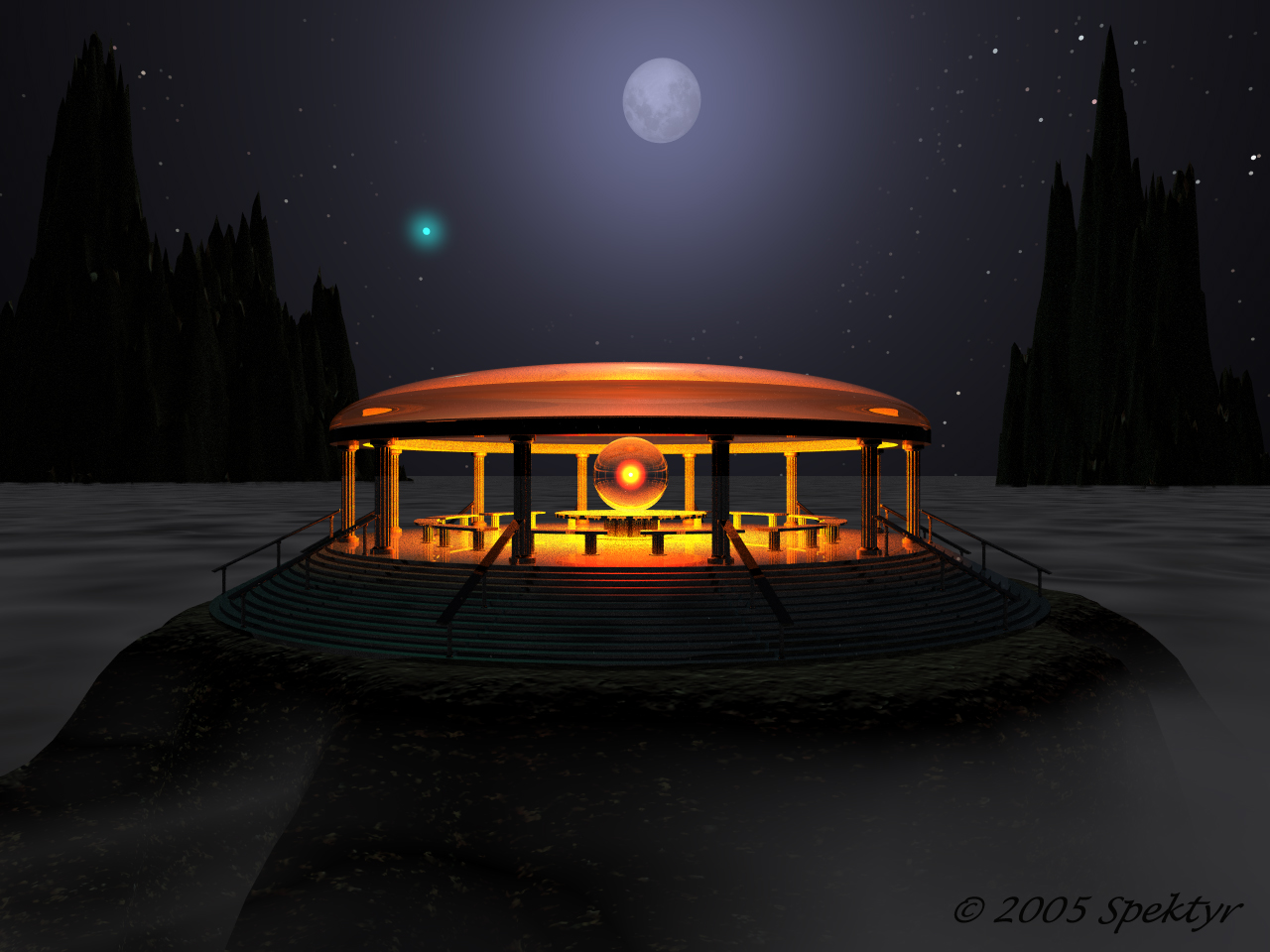
Temple of Golden Light 4
Experimentation: I've given it a nice volumetric cloud layer. I've also set the FOV to 90. It shrinks the b stars nicely but I notice that wide angles tend to distort off-center objects such as the moon and stars. If anyone knows a way to get past this side effect please let me know. I particularly like the way the 'moon shine' silhouettes those spikey Mordorian mountian peeks. :-)
Loading unique views4,218 unverified legacy hits4.0 archived rating2005-10-20 added
Comments 4
A conversation around the artworkSign in to join the conversation.
Mostly it's all been said, but I will also add that while the winder angle lenses work very well with the stars while distorting the models... true, if you are not opposed to doing a bit of postwork, you could produce two renders and use a filtered distance mask to "chop" the forground into a render of wide angle stars or apply the stars as a backdrop to a 2D plane. Just a thought.
Thanks guys! There are a few improvements I'd like to see Daz put in Bryce 6, if a new version is in there plans. - Star size adjustments to compensate for larger dimensions - Numerical color control - Numerical star field positioning (good for high speed animation of a passing day over a landscape) - More real-to-life sunrise/sunset effects - Accurate refraction physics for glass-like materials. (eg. have a renderred prism brake light up into it's spectral colors) Give me time and I'll probably think of more. LOL
I certainly agree with Nightst4r. This one looks much more balanced. If you increase FOV, the more off center an object is, the more it gets distorted. That is a normal lens effect (physics). This may not be always desired but at other times comes in quite handy. It is particularly suitable for skies, but you have to consider carefully, where you place your objects. Adding a bit of distance often helps. As soon as you start experimenting with FOV angles of 120, 150 or 180?, you may appreciate the effect, depending on what you're up to.
nice A very nice improvement =)