FROM THE COMMUNITY COLLECTION
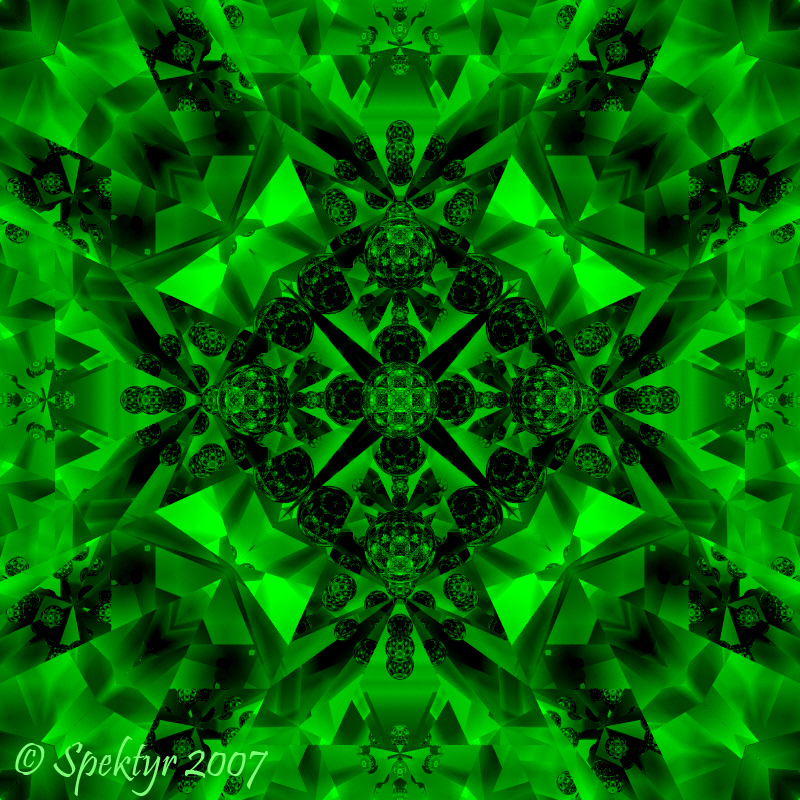
Kaleidoscopica 4
Last one's in green. Ray Depth 15 and object reposition. Like I said, I can play with this setup forever and get myriad variations.....but not right now. ;-) All comments welcome.
Loading unique views4,182 unverified legacy hits0.0 archived rating2007-05-12 added
Comments 11
A conversation around the artworkSign in to join the conversation.
DOH! Why didn't I think of that? LOL Yet another avenue of experimentation. Thank you David. It just dawned on me. The effects that can be achieved using the visible background mode with mirror boxes........I can feel my inner mad scientist getting excited again. ;-)
There is a way to use IBL - even in a completely closed environment, depending on the materials... What you do is take your enclosing object (like the fade mirror in my own scenes posted here) and uncheck its ability to cast shadows. That will let the light in.
"but for an image such as this I doubt you want to be resorting to using a hdr lightsource?" I'm working with a completely closed environment here so I can't imagine a way to use an IBL on this one even if I wanted to. I will tell you that I just made a breakthrough on the multicolor. You ever get that feeling in your gut that says "DUDE! THIS IS THE ONE!!!!!!"? I really should animate this one and send it to Odyssey Productions. At the very least they'll proabaly get back to me and say "FAR OUT,DUDE!!!!!" LOL At best it will show up set to some cool music (Better be Mammagamma by The Alan Parsons Project! LOL) in one of their new videos! David, wait until you see this! The color vibrance is breathtaking and the blending.....incredible! I'm talking Rainbow City!!!! I though Trisphericon was cool when I started using color but this.....you gotta see it to believe it. :-)
It will improve matters but you might find you have to increase your lighting to compensate for some scenes if you are used to having it set.
I just found out that I do have the Gamma Correction enabled. That must be it's default state. I'm going to try something with it disabled.
Tweaking the gamma in postwork is a very effective approach, the IBL system has gone a long way to sorting out the problem of the weak bryce sun, but for an image such as this I doubt you want to be resorting to using a hdr lightsource?
"you haven't ticked Gamma Correction in Bryce, have you?" No. Actually I haven't yet explored all of the functions available. I'm going to have to check this one out. Thanks! :-)
Another monochrome one, nice green. The contrast seems to give that strong 3D impression. You say you had low contrast on the render - you haven't ticked Gamma Correction in Bryce, have you?
Thank you, gat! The illumination in these images is probably the greatest serendipity for me yet. I've experimented with similar configurations, mirrors within closed mirrored containers, and never achieved results like this. What I did here was to accidently turn up the Haze a bit before applying any other illumination. The rendered Bryce image doesn't have much contrast but I saw a potential in it so I tweaked the contrast in PS and this is what I came up with. I still get chills when I look at them and think "I created these!" I guess moments like this are what makes being an artist so fulfilling. ;-)
. I got to say my favorite once are the orange and green. The orange one is just nice took at, and so is the green one, the other colors are a bit intense, but are nice too. Did you use hdri for this?
A quick heads up I'm right now rendering a multicolor image using a variation of this setup. So far it looks like a real render monster. It's already been going for 12 hours and it's only 17% complete using two render nodes. I figure it will finish in another 24 hours or more. When I'm finished with the contrast adjustment it should look very impressive. :-)