FROM THE COMMUNITY COLLECTION
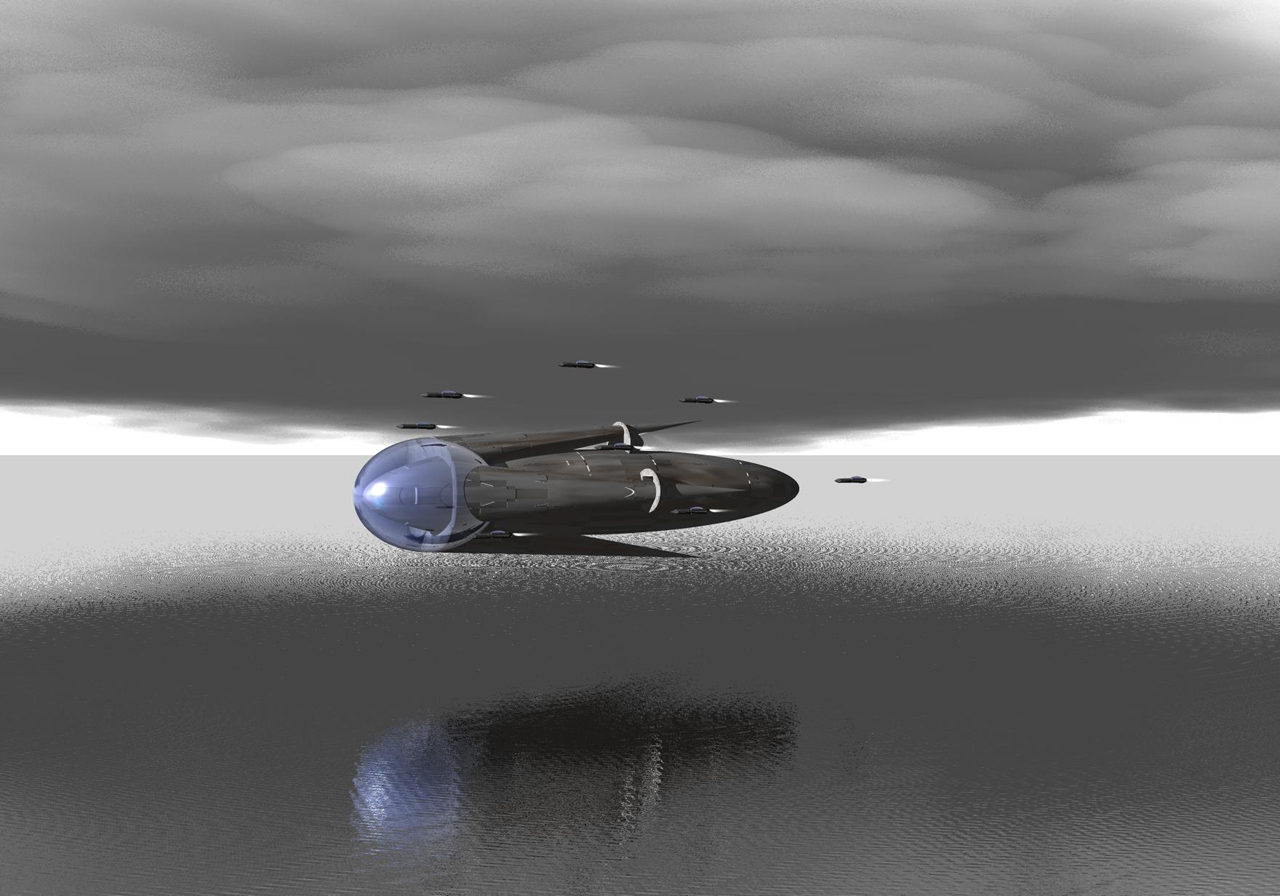
Flying over better water.
Same ships different camera angle and background.
Loading unique views3,710 unverified legacy hits0.0 archived rating2007-07-14 added
FROM THE COMMUNITY COLLECTION
Same ships different camera angle and background.
Comments 4
A conversation around the artworkSign in to join the conversation.
* Yes this is much better! I agree with all that has been said above. Keep up the good work!
Volumentric clouds really slow down the renderer, if you want to work on the water, I would recommend stripping out everything you don't need for the time being and that way the renderer will run smoother and you can make changes and run test renders and not have to go away and make a cup of tea between each change. Given you've already got plenty of advice to be going on with, I'll just add that a little haze (between 1 and 4) would just take the edge off the harsh horrizon.
What I particularly like here is the transition of the water to something that appears like an ice sheet. Dark water, dark sky and the model surrounded by white and brightness. The colour of the water is good. Listen to Rashad about transparency. To get you started: set set the colour in the mat lab to your desires and set all controls in the values section to zero, except for specularity, give it a value of 5 - 20. Then get an irregular texture for bump. You will have to adjust frequency to make the waves according to the distance in which the water is looked at. Finally, for optics, set transparency just below 100 (99 to 99.8), reflection below 1 (0.2 to 0.8) and refraction to around 130. Refraction is very important for water.
Much improved over the original in the way of water. But as i commented on the other scene, be careful with reflection values. Water and silver are not at all the same thing. This looks like a lake made of silver or maybe mercury. Transparency is the point of distinction. Once the water becomes transparent, bryce will calculate reflection for you, and accurately in my opinion. Also, if you notice real water, the waves are never this uniform unless there is a light breeze lassing over the water, but this effect is fleeting, and only works in extremely shallow water, not lake true lakes or oceans. In a situation where you are dealing with a large body of water, waves must appear more random to look real, after-all there are undercurrents causing surface waves too, not just wind as in a small puddle or lake. Am I making any sense at all? Change the bump to something less mathematically perfect, raise transparency to no less than 20%, apply a good ground plane underneath so it looks realistic, and you've got convincing water. I am not saying there is a perfect formula, but there is a "ballpark" so to speak.