FROM THE COMMUNITY COLLECTION
Unity 1
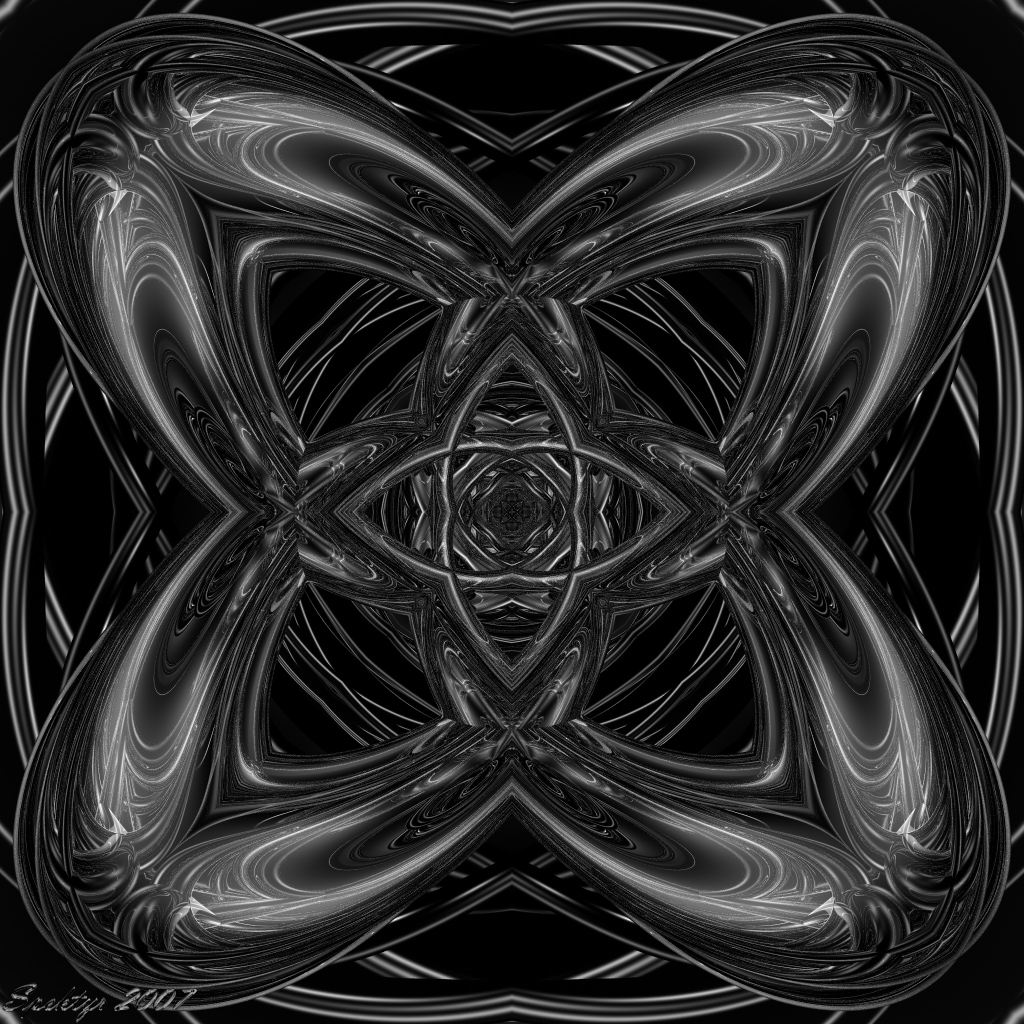
Now that I'm feeling better I've whipped up a new image, one for you monochrome fans. This one is made with 8 toruses in a hollow cone, all specularity and reflection. All comments welcome.
Loading unique views3,790 unverified legacy hits0.0 archived rating2007-11-02 added
Comments 5
A conversation around the artworkSign in to join the conversation.
Beautiful artwork Awesome images! I really like the form, symmetry, depth...reminds me of fractals...it draws you in.
Thanks Horo! I thought it was you but I wasn't sure. Good point about considering LCDs. It won't be long before CRTs are obsolete, although I feel they will always have advantages over LCD displays despite their reduced sharpness. I did try the terrain thing but this is severely complex. It took some doing to reduce the 'spikeyness' - I haven't done that much playing with custom terrains. I don't have too many ideas on how to use this as a terrain in a scene at this point. Since you made the suggestion, if you have any amazingly amazing ideas concerning this one, please feel free to use this unsigned bitmap: http://www.spektyr.com/Images/Bmp/Unity1b.bmp I'm curious about what your unique imagination can cook up with this to surprise me. ;-)
Yup - that was me, 64 rays super fine rendering. There are more and more LCD's around, so you have to care for those. Nice exersice for improving patience ;) CRT's are a bit more forgiving, slightly blurring the steps, those analogue dinosaurs. Nice picture, though. Since it is monochrome - has it ever occured to you that you could use it as a hight map for a terrain?
Thanks Richter! It was rendered at super fine. I've noticed that images with very fine lines do that sometimes. I'm using an LCD monitor so it's sometimes hard to tell if it's the image or the pixel density that make it look aliased. Someone suggested using a higher 'Rays per Pixel' setting which usually drives up the render time. I think I'll give it a try with this one just to see the difference.
I'm such a fan :) , so thanks. Looks really good. It seems to be rendered at lower AA to me though. Not a qualm, but you might benefit from higher setting there. Nice to have you back amongst us.