FROM THE COMMUNITY COLLECTION
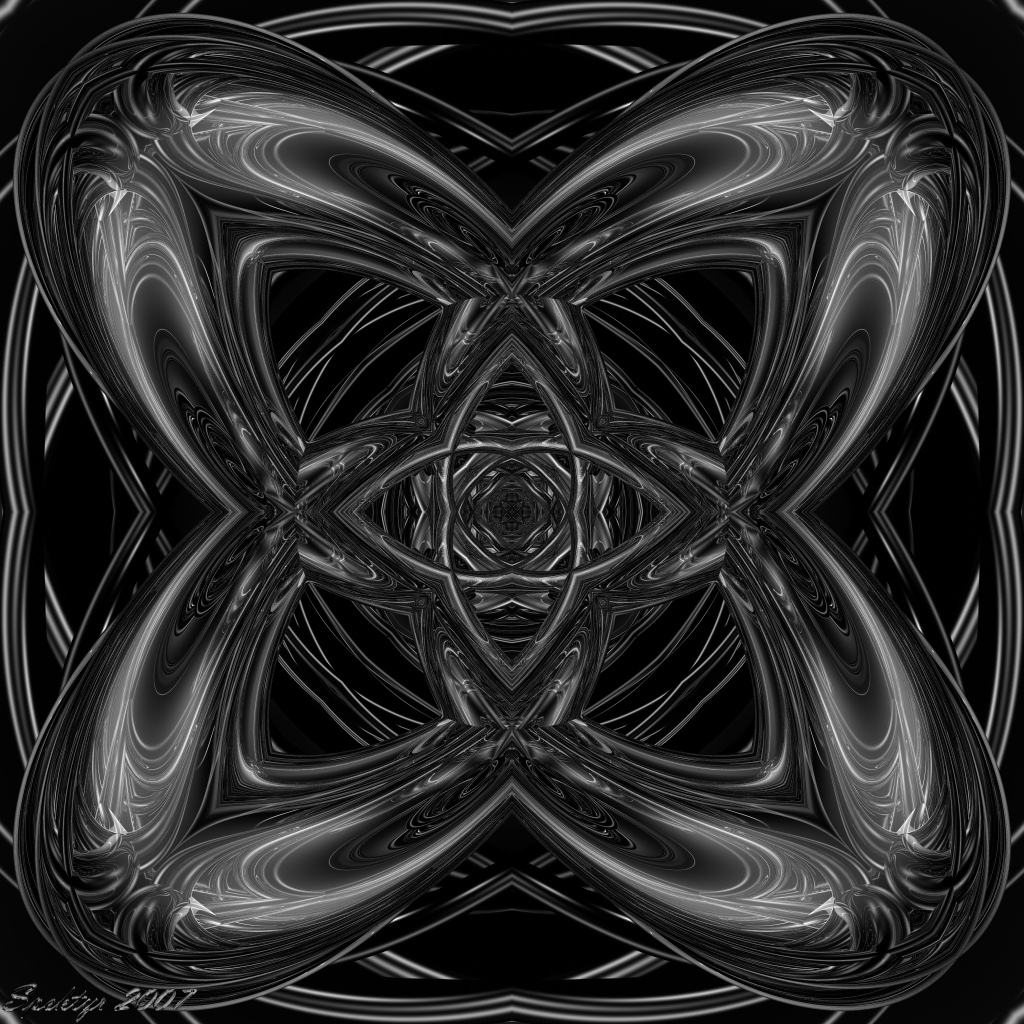
Unity 1: 64 Rays Per Pixel
Looks like a definite improvement over the default setting of 16 Rays Per Pixel. Fine lines look a lot smoother. It took 4 times longer to render but it seems it was well worth the wait. ;-) Please compare both images and let me know if you all see an improvement on your displays. Thanx.
Loading unique views3,927 unverified legacy hits0.0 archived rating2007-11-03 added
Comments 4
A conversation around the artworkSign in to join the conversation.
. AA is a lot better on this one, which helps a lot I think. nice job
The improvement in render quality is immediately obvious to me, even though I am one of those "dinosaus" who uses CRT's. Two in fact weigh down my desk and occupy most of the space. I've seen plenty of LCD's but never been all that impressed with the colour representation, or the fact that they only opperate optimally at one resolution - one which is usually much higher than I wish to use. Monochrome images appeal to me very much and this no less for being abstract. The overall balance of light to dark seems to be somewhat on the dark side, the central pattern, which looks rather interesting, is a bit too grey to make out. The looping in the corners is interesting and reminiscent of knots. But we all see different things in these creations... Nice work.
Great, the difference is obvious, looking at it on my 1920 x 1280 LCD. Exactly, render time increases at the same factor as rays: 64 : 16 = 4 times the render time. I did some statistics about that once. So it's nice you confirm my findings. BTW, the same is true for the quality setting in IBL, which is actually the number of lights used. Double quality = double render time. Doubling length and width of the document size most of the time does not quadrouble render time, 3 to 3.5 times is more likely. So it might be an option to render with 16 rays but double the size and then size down the final picture instead of rendering at 64 rays at the original size. Remember Gat's ?AA test? in the Unfinished Works department?
True, this finer render improved it just enough to smooth out the lines you were talking about. I'm glad you saw it's worth the render, and the waiting. I very much like the toruses' reflections in the 4 corners of the image. They look somehow carved in a wood, which later was painted with some reflective paint.