FROM THE COMMUNITY COLLECTION
Liquid Colors AVI 1 - Available for download
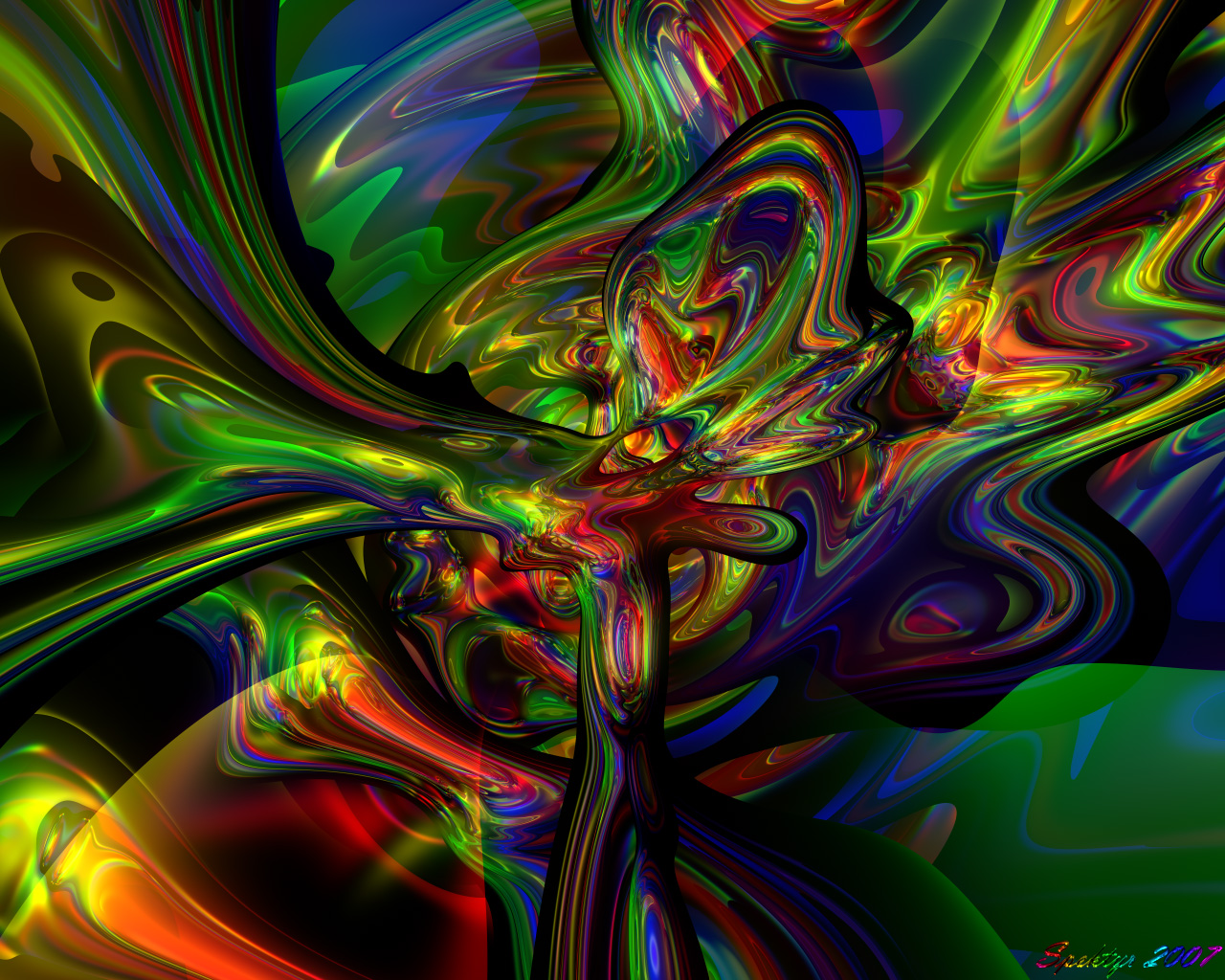
Here's the one I'm submitting to DAZ. I had to reduce the Jpeg quality to post it here but it should look cleaner than the first. Render Time= 6 hours 23 minutes The animation is finished and can be downloaded here: http://www.spektyr.com/Animations/LiquidColorsAVI1.avi You'll need the latest DIVX Codec available for free download here: http://www.divx.com I'm a bit disappointed with the way it came out. There's some jitteriness I didn't expect. I'm going to have to make some adjustments and redo it. I think it may be better if I lower the camera. I also want to try to improve the overall quality. Let me know what you think so far.
Loading unique views9,156 unverified legacy hits2.0 archived rating2007-12-12 added
Comments 9
A conversation around the artworkSign in to join the conversation.
Thank you Richter! That jittery effect is caused by having 2 identical spheres in at the same coordiates. For some reason the bump overlap causes a jittery border instead of a nice clean one. I wonder if there is a setting to get rid of that.
I saw this jitteriness you're talking about. It doesn't hurt so much :) Excellent organic-feel-color-blending-ming-boggling vortex you've made. Good job! Now let's see the other one, the new one.
New render: Liquid Colors AVI 2 Ok. I've lowered the camera, increased the size to 480x320, set the RPP to 36 and set the DIVX Pro codec to the1080i preset with maximum quality. This will take longer to render but should look a lot better. I'm going to let it run 24/7 and I expect it to take around a week.
BR6 File Rashad- So you can see exactly how this image was created here is a link to the BR6 file. http://www.spektyr.com/BR6/LiquidColorsAVI1.br6 This is the file I used to create the animation. You should change the resolution to a larger size so you can see things better. 100 frames left to render. I'll post the animation tomorrow morning. :-)
Thanks Rashad! I'm not selfish with my techniques. You can ask me any time to share with you how I create a particular image. Most of them are the result of experimentation. When I started to work with reflections I opened a doorway into a whole universe of abstract posibilities. The key to the color blending I've grown to love is the bright specular halo and the wide dispersion spotlights. I play around with different mirror box structures, target object configurations and bump patterns. Be a pioneer. Play with unusual ideas until you find results you like. ;-)
Spektyr thanks for the recipe. I am always in awe of these images mostly because I have never been able to create anything like it myself. How'd he do that? I wanted to ask you how you made these but I did not want to seem too eager or politically incorrect. Inspiration is key as you say. Oh, I love all of the colors in the red range. There's something about the red thatto me helps hold this image together. My eye follows the reds more than the other colors. It's just an observation and in no way a technical comment.
Just a quick status on the animation. I'm letting it run full time and I've done some optimizations on my render nodes to try and speed them up. The amination is about 68% complete so far and it may be finished tomorrow. I'll post it as soon as it's ready. ;-)
Thanks Tina! You want to know how I did this? This is produced by creating 2 identical spheres at world center, give them a mirrored material with 100% reflection, the wavevarient bump map at 4.3% x,y,z scale and 100% Bump level, 100% Specularity, a Specular Halo with a White level of 245 so the colors blend, turn off all shadowing and then illuminate it with a ring of 8 wide dispersion square spotlights using pure colors (Red, Yellow, Green and Blue). The camera is centered and looking straight down just within the top of the spheres. The animation will have each sphere rotating in different directions creating a freestyle morphing pattern and the light ring rotates creating changing colors to the pattern. I have the Ray Depth set to 4. So now everyone here knows one of my Bryce magic tricks. ;-)
* I like the shadows in this one. The lighting on the bottom looks very kewl. Kind of alien. How do you get these crazy shapes? The colors are very beautiful. I can stare at your work and get totally lost in it. Very nice 5/5 : )