FROM THE COMMUNITY COLLECTION
Bryce Buds
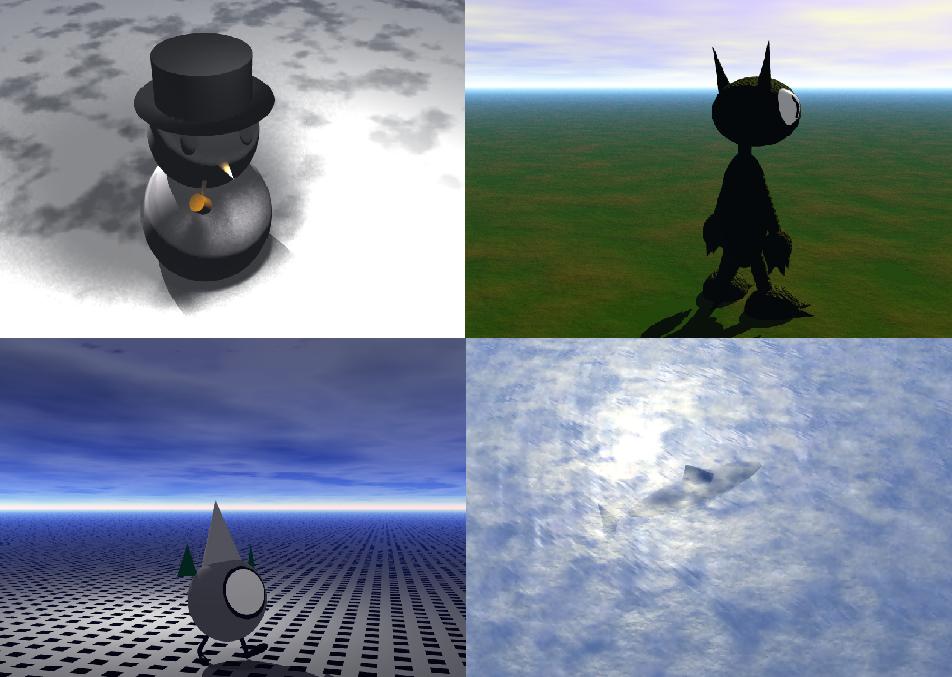
As most can probably tell from a mere glance at this attempt, I am among those who really don't know anything about Bryce 5.5 other than how to put in shapes and move them around...
Loading unique views3,922 unverified legacy hits0.0 archived rating2008-08-19 added
Comments 4
A conversation around the artworkSign in to join the conversation.
Oh, I like those chaps. Just keep going.
Welcome to the world of Bryce, you will learn something new every day, just be patient. Expression, not perfection is the goal. Satisfy your artistic needs and you will be rewarded.
Just keep practicing and playing around and soon you will amaze yourself.Bryce can do some cool stuff. Nice fun simple scenes for being a starter.
Nice start. I would normally not offer any advice at this early stage for you but i see a little issue i should warn you about. It looks like the renders are either very incomplete or they are not Anti-Aliased. AA is essential to creating smooth lines, pixels are blended to make a more natural progression from one object to another. An image that has proper AA will appear to have about 4x greater resolution than an unAnti-aliased image. Many new users try to shortcut the AA feeling it adds too much time to the render. Not the wisest choice. Indeed it does take a while when working up a scene and continuing to edit but when you are ready for the final render always(99% of the time) use standard AA offered in the Document Set-up under the "file" menu. Welcome to Bryce and enjoy!