FROM THE COMMUNITY COLLECTION
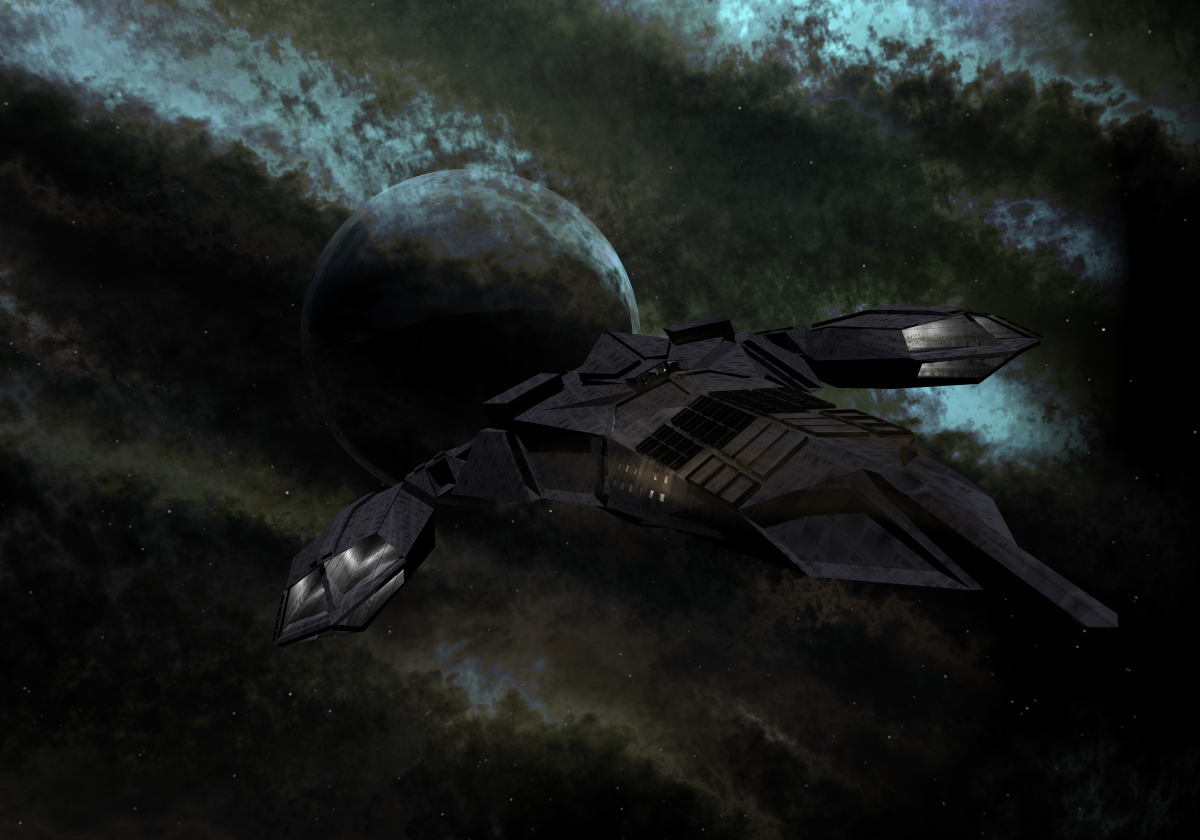
Carrier
Don't have a name for the ship yet so open to suggestions. The window in the center of the ship is the bridge and has a person in the room but hard to see from this far. There is also engine glow. Im trying to makes some hanger bay doors. Nebula is David's texture again. Comments and suggestions welcome. Thanks!
Loading unique views3,719 unverified legacy hits5.0 archived rating2009-04-12 added
Comments 7
A conversation around the artworkSign in to join the conversation.
Thank you everyone!
I think you really are in a class of your own with this genre, Connor! The look is slick, highly cinematic. The texture on the ship is very effective. Even the camera angle is expertly chosen! It is simple yet fully effective and inspiring. Your use of the nebula is very effective once again. I think the subdued lighting and lack of a stong sun influence gives the scene the feeling of depth and darkness. The starfiled is very tasteful and succeesd at produceing thaat sense of scale and depth. I would consider submitting this to the Daz galleries, why not? You never know. The planet seems to be on the far side of the nebula. I get the feeling the nebula is the result of some recent destruction of a nearby moon, like falling rain of firey hot dirty smokey gas. David really is a brilliant man and yes, like Horo I must play around with this nebula mat soon. Wow! 5/5
It somehow looks fearful - great model, though. Those nebulae from David, I have to play with them sometime. They look really good and this one fits the ship particularly well. Good choice.
Nice you have 2009, i have '08, still awesome tho. Some tips... I always model using polygons and most of the tools I use are found under "Edit Mesh". I use Extrude, Cut Faces Tool, Add Divisions, and Bevel the most. The square next to the tools lets you be more precise in what you are doing. If you have a ship model, for example, and you want it in Bryce and add windows select the faces the go "Mesh ->Extract" then when you import into Bryce you can ungroup them and apply different textures. The only way I know to put a Maya model in Bryce is if you going to "File-> Export all as a .dfx" In Bryce you go file-> import. Thats pretty much how I do all my models. Hope this helped in some small way. Have fun.
` i have the 2009 one :P im downloading tutorials at simplymaya hehe i modeled a simple sword prop model lol :P i want to try doing ships next all i know are extrude hahaha know any tips?
Thanks! Maya is awesome. You are going to have fun with it. What year/version do you have? Typhoon sounds pretty good. I already named 2 ships Aurora, its my favorite ship name so far.
` great job on the modeling again!!! i got maya installed and still practicing hehe how bout "Typhoon" or "Aurora"