FROM THE COMMUNITY COLLECTION
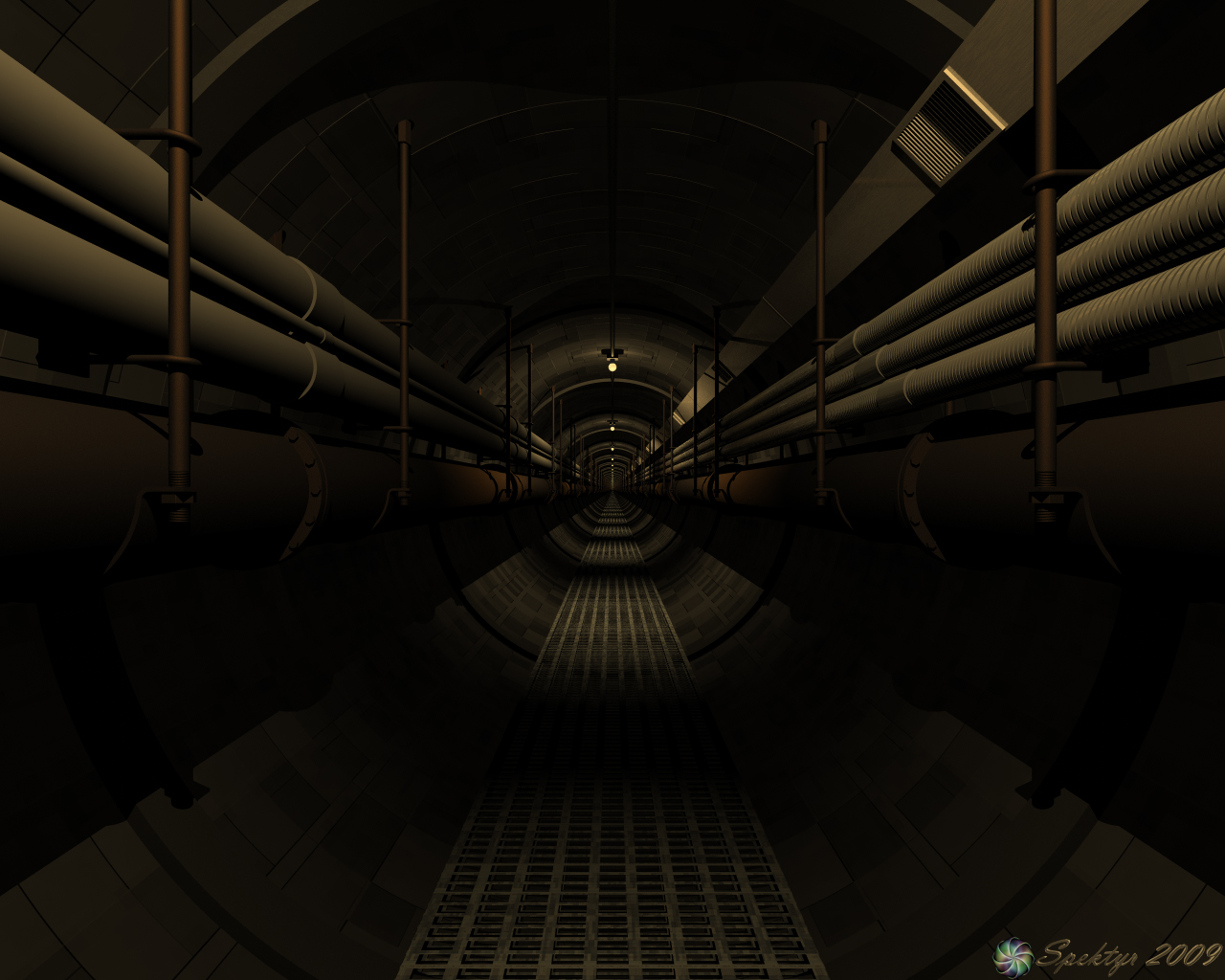
Dark Tunnel with Soft Shadows
I got rid of the color on the PVCs and rendered with Soft Shadows but I really can't see a difference in the shadows. I'm wondering if there's some kind of glitch that disabled the effect of the soft shadow setting. I'll have to check into this. If anyone can verify if this image appears to have Soft Shadow please let me know. All comments are welcome and appreciated.
Loading unique views5,513 unverified legacy hits5.0 archived rating2009-05-21 added
Comments 7
A conversation around the artworkSign in to join the conversation.
Richter- I did range the falloff on the lights. I had to since this construct is a lot smaller than it looks. the whole thing is 20.48x61.44. I ranged it enough to create the dark area between the lights. I think taking the range down any further would take away too much detail. I just finished the fixed soft shadow render. I'll post it in a few minutes.
Ok. You were right about the Sky Lab option. Turining it off killed the shadows altogether. I'm tesing for a good shadow softness. I don't want them too blurred. I figure just a little for the edges will be nice.
Thanks, Guys! Ok. I know where I went wrong with the Soft Shadows. I didn't set the lights up with them. The Sky Lab Soft Shadows are only for Sun and Moon light, aren't they? I'm not using those light sources and I don't want to increase render time for things I'm not using. I'm setting up a test render now with the Soft Shadows on the lights. I'll let you guys know how well it works before I do the full render.
Well now, that's more like it! With the additional pipes I mean. Obviously you put a lot of effort to make the atmosphere and the depth of this piece look creepy, spooky. And you achieved this goal more or less I can tell. However, from personal experience, the more time an artist spends continuously on a project, the more his eyes "adapt" to it and start to miss some minor things, which otherwise may appear crucial for the final render look. What I mean is that there is a number of small "cosmetic" adjustments you may want to make before you wrap this project up. Again, what I'm saying is just a friendly pointer(s): - yup, something went wrong with the soft shadows - no worries, as Horo pointed out make sure to enable them in the [b]sky lab[/b] and acording to how much noisy/dispersed soft shadows you want, you either use Standart AA with the radial lights 20~25% soft-shadow in the [b]light lab[/b] or the same percentage softness though this time at a PremiumFX Soft Shadows. Your mirror in the scene is well hidden, Spektyr, so I'm not sure how many radials you put in-scene :) Just make sure that each one has the coresponding soft-shadws. option enabled and for the sake of render-time - keep the numbr. of lights at minimum - shadows are one side of the coin, the other is the falloff of the lights themselves. The idea here is to get rid of the standart Bryce-look by tweaking the falloff. If you want this image to be felt as really spooky, you should change the balance of light and dark and let the darkness "take over" a bit more without loosing too much of this tunnel interior. Make the radials to "burn" and be a lot more contrast-boosted by setting the falloff from "linear" to "square" and adjust the intensity until there is a burnt-out spot of light around the bulbs. The falloff will "cut-away" some of the pipes-detail we now see, but that is no big deal since the pipes are all the same everywhere. Lets say you're not satisfied with the falloff And you want [b]Full[/b] control over it - then simply choose "ranged" and type a number that feels adequate acording to your setup (the burnt-out spot gets too big and bright ~> counter that in the light-intensity factor) - finally, the metal material everywhere. Did you set the specular options to their current state or are those the mat-default? Some pipes are PVC-made, ok, but the scene will get more "physically heavier" if one could recognize at least few other metal pipes, which are exactly specular-dependant (plus some minor bump if you feel like playing with this one too). If you set the lighting right, the specularity is the final thing to worry about. All I said above are many words for somethig rather simple to make. There's no room for any kind of frustration or whatever, quite the contrary - you should be proud of what you created and achieved so far. Only those things I mentioned you perhaps may want to take into account. If you can't see them now, take 2-3 days break and examine this image again. Optinally you might want to goodle some moist tunnels for actual images. Keep the good spirit and work further on, Spektyr, and thanks for reading all of that :).
No difference in soft shadows. Please check the following: (a) Sky Lab, are Soft Shadows on? This is the master switch! (b) Light Lab, are soft shadows switched on for all bulbs? (c) Render options, - well you know that one, do you?
Thanks, Anurin! It's always been my intention to create a feeling of hopelessness and entrapment with this image. That's why I had to agree with you about the coloring of the conduits. I colored them on a whim and then tried to darken the colors but, as you pointed out, it just didn't fit. Good call, my friend. ;-)
Amazing! I find it interesting how a simple color shift can alter the entire feel of an image. No problems that I can see. Great work!