FROM THE COMMUNITY COLLECTION
Underwater3
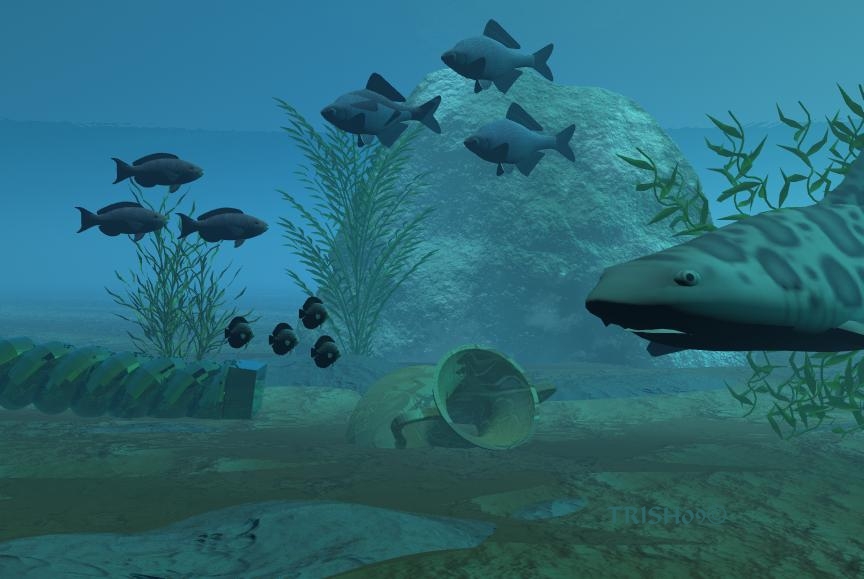
I was able to get the water more blue so thats better.The colors still don't show like I want,though. heres my settings so you can better help me. water:new age whale sky: learning to fly ground: dk mud ground: wet mud haze density 94 thickness 50 sun moon visible disk intensity 100 glow 100 sun moon shadows 100 blend with sun color 100 luminance 92
Loading unique views3,870 unverified legacy hits0.0 archived rating2009-06-04 added
Comments 3
A conversation around the artworkSign in to join the conversation.
I like all of these 3 scenarios you have uploaded. Liquids can be tricky. Seems to me you are loosing the color of the models behindc the effects of the water and the light. First, try using greyscale lights instead of blue lights. This is only temporary as you figure out what happened to your colors. Second, make sure the diffusion color is set to a greyscale value with no color. Same is tru for the transparenct color channel and the volume color channel. Also temporary as you determine which of these effects is responsible for desturating your image. Well, really the image is not desaturated it is more shifted toward blue. Additionally, make a clear difference between your direct light and indirect light. I think that both forms of light shoud cast shadows but the direct lights should definetly cast shadows such as sunlight. Terrains and other geometry are great when you need a dynamic water surface. However they have a limited size and the background becomes a problem. I think you are best in this particular situation where the surface is hardly visible to use a slab. If you hold the mouse when you click on a plane it will allow you to create a slab. Very nice work so far. i really look forward to the development of this piece.
I am using the directors camera and the other one is almost in the same place. I am not sure how to measure. but they are really close.
How far away is the camera?