FROM THE COMMUNITY COLLECTION
Electro JellyToon
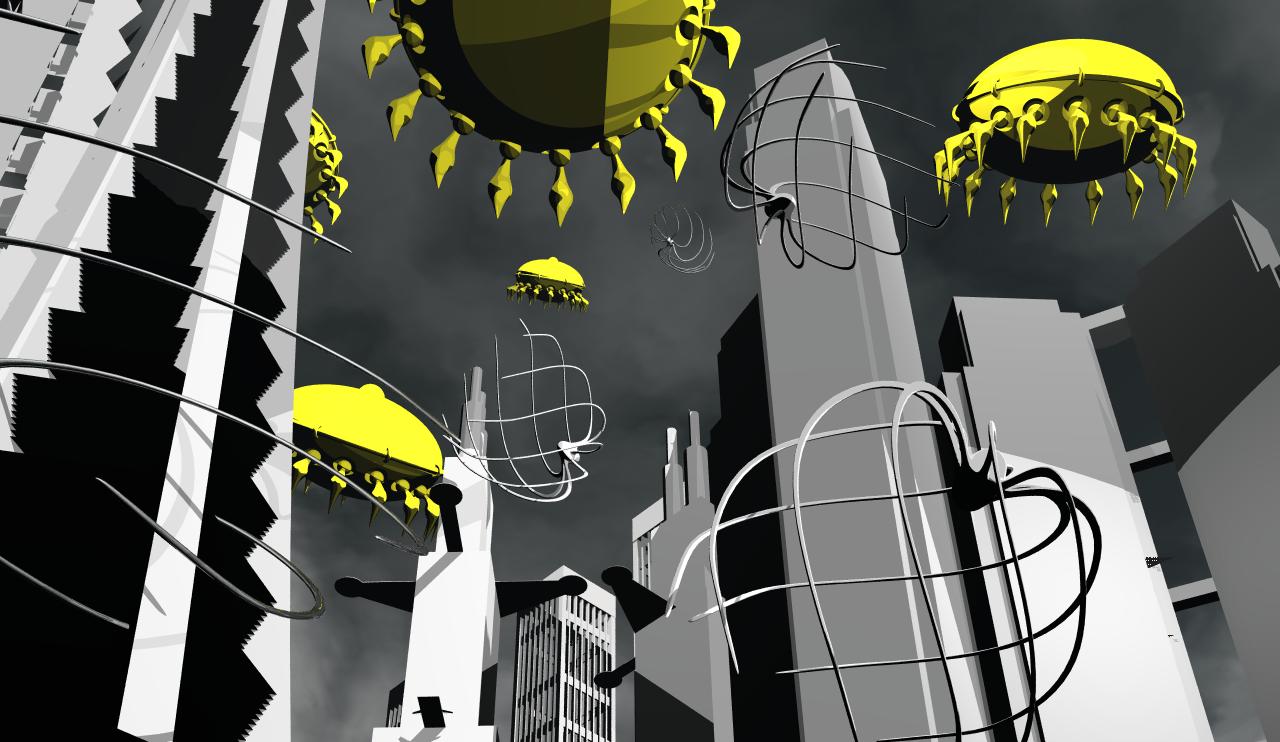
I have tried cel shading the electro jelly fish image as suggested, I can't get the same orange colour as the previous image...any ideas?
Loading unique views3,869 unverified legacy hits0.0 archived rating2010-02-23 added
Comments 3
A conversation around the artworkSign in to join the conversation.
Very good! Well, leaving the sky aside, you're very close to achieving that special toon shade look. About your asking of the orange color - as Horo stated, the diffuse channel could quickly resolve the yellow "issue". To make things easier for you to grasp concerning cel-shading in Bryce, there are 3 channels (leaving the diffuse aside, you already know what's it for) you can tweak/experiment with and they are Specularity, Metallicity and Bump. [b]Specularity[/b] - it allows you to show the viewer [u]how much this cel-shading feature is salient, to what extent it is visible[/u]. Just as with the other channels, here you can enter values between 0~100 (bump makes an exception, it can reach 999). [b]Metallicity[/b] - it allows you to [u]fine-tune your cel-shading material by introducing a small-to-moderate amount of the diffuse color within the Specular highlight[/u]. In example your specularity is pure white, set to a 100 in the channel and all you get is a circular spot on your object. [u]When you begin to raise the Metallicity scale, this white spot begins to fade away from inside-out[/u] until you can clearly see the diffusion color inside the white specular spot. Bump - one of the most if not The Most important feature that can relate to the cel-shading in Bryce. Fundamentally, this type of shading in Bryce relies mainly on the object's shape and from how many sides it is lit (because it involves the [b]Specular[/b] channel's function. Having in mind that [u]the [b]Bump channel[/b] has the ability to represent an object's shape Too in a more detailed way, the Bump can also influence our cel-shading material by introducing additional, more advanced final look[/u], such as sand-paper-like surface or cross-hatched comic book type of drawing (see the Cross-hatched material in the Cel-Shading library from BrycePrize you downloaded). So I hope the above info do not sound hard to understand. The proper way of working with cel-shading in Bryce is to go through these channels in the materials lab one-by-one in the Current order. This way you will gradually advance the look of the material until you reach the appearance of the material that will suit you best. Keep up the great work!!
Try to put R/G/B 231/77/0 or something like that in the Diffuse channel. It really came out well, but amber would be better than yellow. Also, work on the sky, it is not toon-like (a mistake, I've also made).
This image is VERY cool. I cannot wait to see how this will develop. Wow. I love cell shading scenes.