FROM THE COMMUNITY COLLECTION
Blind Prediction
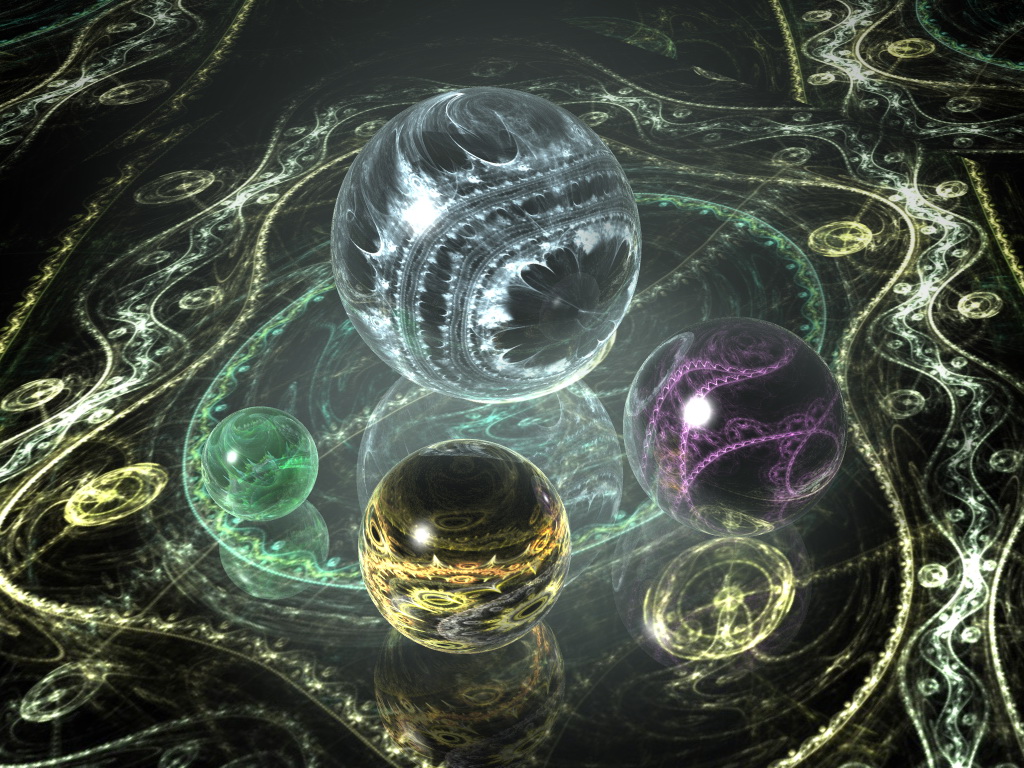
I just understood how to work in Apophysis (thanks to Richter). Earlier I only could get random abstract lines, so I tried to create something with my Apo pictures. If somebody explain me how to calibrate DOF I would use it, because (stupid me:) I couldn't make it to work properly...
Loading unique views4,547 unverified legacy hits5.0 archived rating2010-03-08 added
Comments 4
A conversation around the artworkSign in to join the conversation.
I give this a fiver! Looks quite perfect to me. Delicate and detailed, yet simple and digestible. I love it!
This is a most beautiful mix between abstract and real. Apophysis is a great tool to bring in that sort of beautiful lines. I should take more time experimenting with it. Try DOF, David gave you very detailed instructions. It needs a bit of experimentation. Very nice colour choices.
That looks really cool. Well done.
Excellent piece, looks like coloured lace trapped in marbles. DOF. Select the object you wish to be the focus of your scene. For example the lower central sphere. Render Options... Quality mode>premium Rays per pixel, set to 4 for testing and final render at either 36 or 64 (usually does the trick). Check Depth of field (radio button). Hit the button at the bottom which says "set to current selection" - this will set your focal length to the obect that you selected at the beginning. Final consideration is lens radius (default 0.10) - this will probably require some trial and error - depending on the scale of your scene 0.10 may either result in too much blurring or too little. Higher numbers cause the blurring to be more exteme. Keep trying until you get something like then increase the Rays Per Pixel for the final render and go and make yourself a cup of tea.