FROM THE COMMUNITY COLLECTION
Monastry
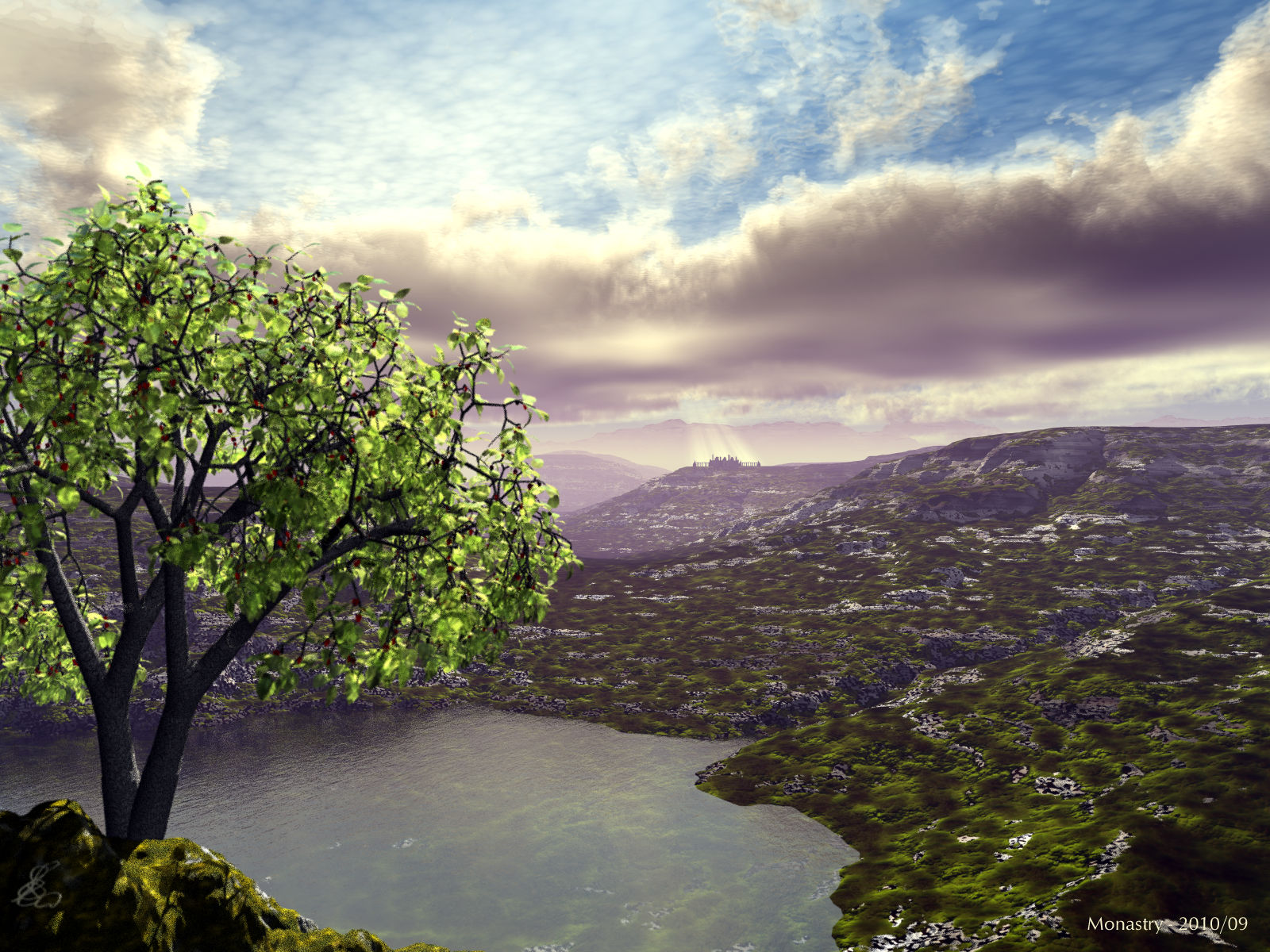
The Groburg (in the distance) from DAZ3D was used. The clouds are from David's Cloudspace 3, the material on the terrain is from Pro Materials that come with Bryce 7 Pro (from David as well). The light rays are from frozencry. They can be downloaded from this site. Lit by the Bryce sun and an HDRI made from the same sky without clouds. There is some DOF to blur the tree in the foreground a tad bit. Renders in well under one hour, with DOF in just over five hours.
Loading unique views3,134 unverified legacy hits5.0 archived rating2010-09-27 added
Comments 8
A conversation around the artworkSign in to join the conversation.
Thank you all for your comments. @Rashad - I agree, actually thought about adding trees but I the IL and I don't get along well with each other. @c-ram - thank you! I've got your tutorial.
Very good. Great shot, awesome clouds, nice terrain material, nice foliage translucency. No complaints except that maybe a few more trees would have looked more natural.
Once upon a time I have a verion of Corel Photopaint that was compatable (possibly because Corel owned Bryce at the time?) with the distance mask and it allowed postproduction DOF. However, I found with Photopaint (it may be different with CS1 or CS3) that while the effect was good for some subjects, the method did not work very well for subjects which had a lot of transitions between one distance and another (er...) for example, looking through the branches of a tree. With the tree in the foreground and the background seen through the braches it created a strange "bloom" around the thin branches. For other applications though, I found it quite good and much much faster and less noisy than Bryce DOF. This image is very good indeed (and I'm not just saying that because I like clouds) - if I had any criticism, it would be that the volumetric quality of the cloud is a little too low for the size of the image. At this size I would recommend 20 (at a guess). There are many factors, but let's face it, this piece is unquestionably 5/5.
Yes of course horo, cs3 is able to calculate the focal effect. It's all right, i'm proud to make a tut for you. I'll do it this week-end and then send it to your mail adress. My last pict called "money!" use this dof effect, you can get back and have a look at it: http://www.bryce5.com/details.php?image_id=4428
That would be helpful, a tut. I have CS3 extended so it should be able to do what CS1 can.
Well, it depend of your version.. This effect came with photoshop cs1. It can truly provide the same quality that bryce produce but without the render time. All you need is to render a distant mask of your pict in bryce and then show this mask with your calc with p.s. If you're interested i can send you a tutorial to show you how to use it.
Thank you, c-ram. No, I haven't used DOF in photoshop. I haven't figured out yet how to do it. Probably need to render a mask.
I like this artwork! This look very calming and charming. The sun rays that lit the gro burg in the background are excellently placed! I've a question horo: have you ever try to use the dof with photoshop focal distance effect? This provide the same quality with less render time. 5/5 for sure.