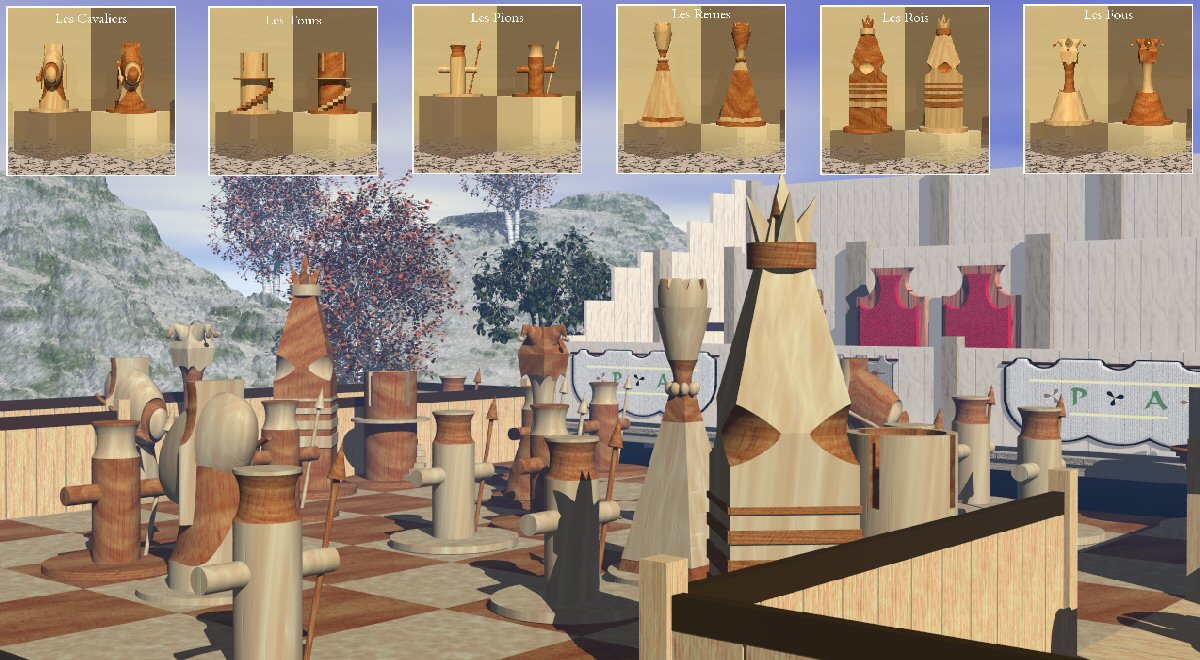
Interesting chessmen have turned out!
PS. Intensity of a shade can be established in Bryce 5 too.
Sun/Moon Shadows. And also color and intensity of a shade are influenced by parameter Ambient and Sky Dome in Sky Lab.
HO
HoroArchived
Assuming you work with Bryce 5...6.3: In Sky Lab, click on Soft shadows and render. Better results if you use Premium Render, Soft Shadows and use at least 64 rpp. In Bryce 7.0, you can set the intensity of the shadows in the Sky Lab. About 30% is probably good.
MU
MuaddidArchived
Thx
So, i don't know how adjust shadow.
Thank again for your comment, i very appreciate it.
HO
HoroArchived
Outstanding chess figures made of wood. I'm very impressed. Just render this with a bit of soft shadows. But even without, this is a 5/5 simply for the beautiful modelling.
Comments 4
A conversation around the artworkSign in to join the conversation.
Interesting chessmen have turned out! PS. Intensity of a shade can be established in Bryce 5 too. Sun/Moon Shadows. And also color and intensity of a shade are influenced by parameter Ambient and Sky Dome in Sky Lab.
Assuming you work with Bryce 5...6.3: In Sky Lab, click on Soft shadows and render. Better results if you use Premium Render, Soft Shadows and use at least 64 rpp. In Bryce 7.0, you can set the intensity of the shadows in the Sky Lab. About 30% is probably good.
Thx So, i don't know how adjust shadow. Thank again for your comment, i very appreciate it.
Outstanding chess figures made of wood. I'm very impressed. Just render this with a bit of soft shadows. But even without, this is a 5/5 simply for the beautiful modelling.