FROM THE COMMUNITY COLLECTION
Sunny side
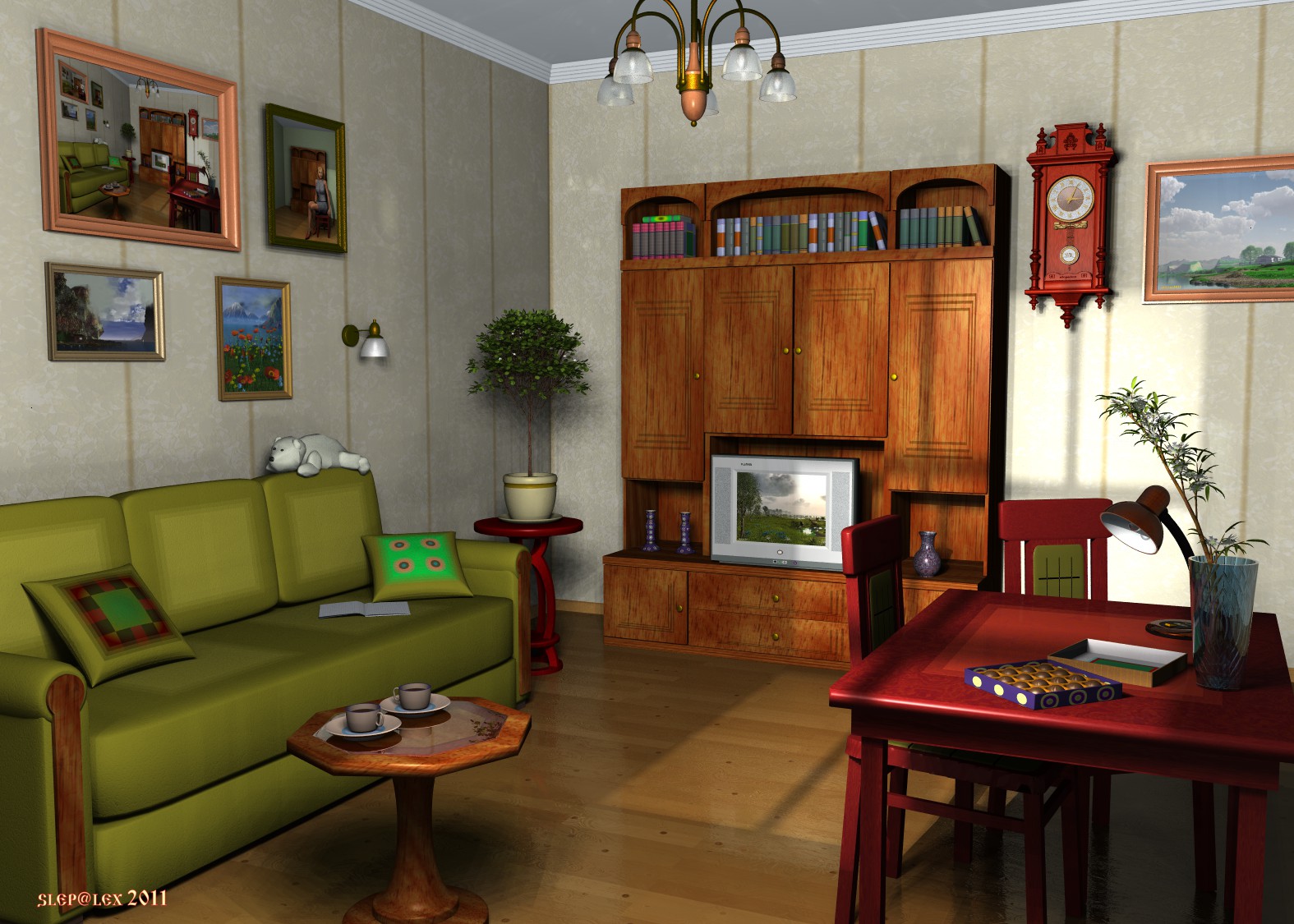
Bryce 7.1 Pro. Render Fine Art AA 16rpp. All objects are modeled in Bryce, procedural textures. In a scene there are 5 light sources: Radial Light, Parallel Light, 2 Cube Dome Lights, Cube Fill Light.
Loading unique views3,852 unverified legacy hits5.0 archived rating2011-11-22 added
Comments 5
A conversation around the artworkSign in to join the conversation.
Thanks, electro-elvis. The bear, by the way, is made of stones. :))
I can only subscribe to the compliments of Horo and Rashad. Beside the superb light I love the little details, e.g. the bear on the sofa and all the "recycled" bryce pictures. Cool!
Rashad, I so understand that your remark concerns this awful discrete shade under a coffee little table. I haven't absolutely understood idea, but a variant with inversion of gradient in "light laboratory" by all means I investigate. Thanks. Thanks, Horo. Light from a window it is "Parallel Light" with a procedural texture as gel. The picture at the left above is result of three- or quadruple render with the subsequent replacement of a texture of the image. Simply joke.
Excellent still life. I particularly like how the light that is shining through the window in the back lights the wall. That you have this very render also as a picture on the wall is a very clever detail. Top marks from me.
Wow. Very nice. It doesn't have that predictable Bryce look, it has a nice touch of realism as well as fantasy. I am especially happy to see you playing around with the more advanced lights in Bryce 7. I think they are flexible tools and you demonstrate how well they can operate. There are a couple of tricks to using the 3D Fill. You may already know about them, but i will mention one of them here. For example, Horo wisely discovered a means to overcome the "hotspot" problem. Hotspots are those pools of bright light that appear on objects when the virtual point lights within a 3D Fill come too close to geometry within the scene. The solution is very cool. In the Light Lab you can assign Color as Uniform, or Gradient. Select Gradient. You need to edit the gradient. Invert the color of the gradient, so that the black and white colors are reversed. Exit the Light Lab. The result is a smooth light, all hotspot disappear, while the overall intensity of the light remains the same. I must say again, great work here!!!