FROM THE COMMUNITY COLLECTION
Twirly
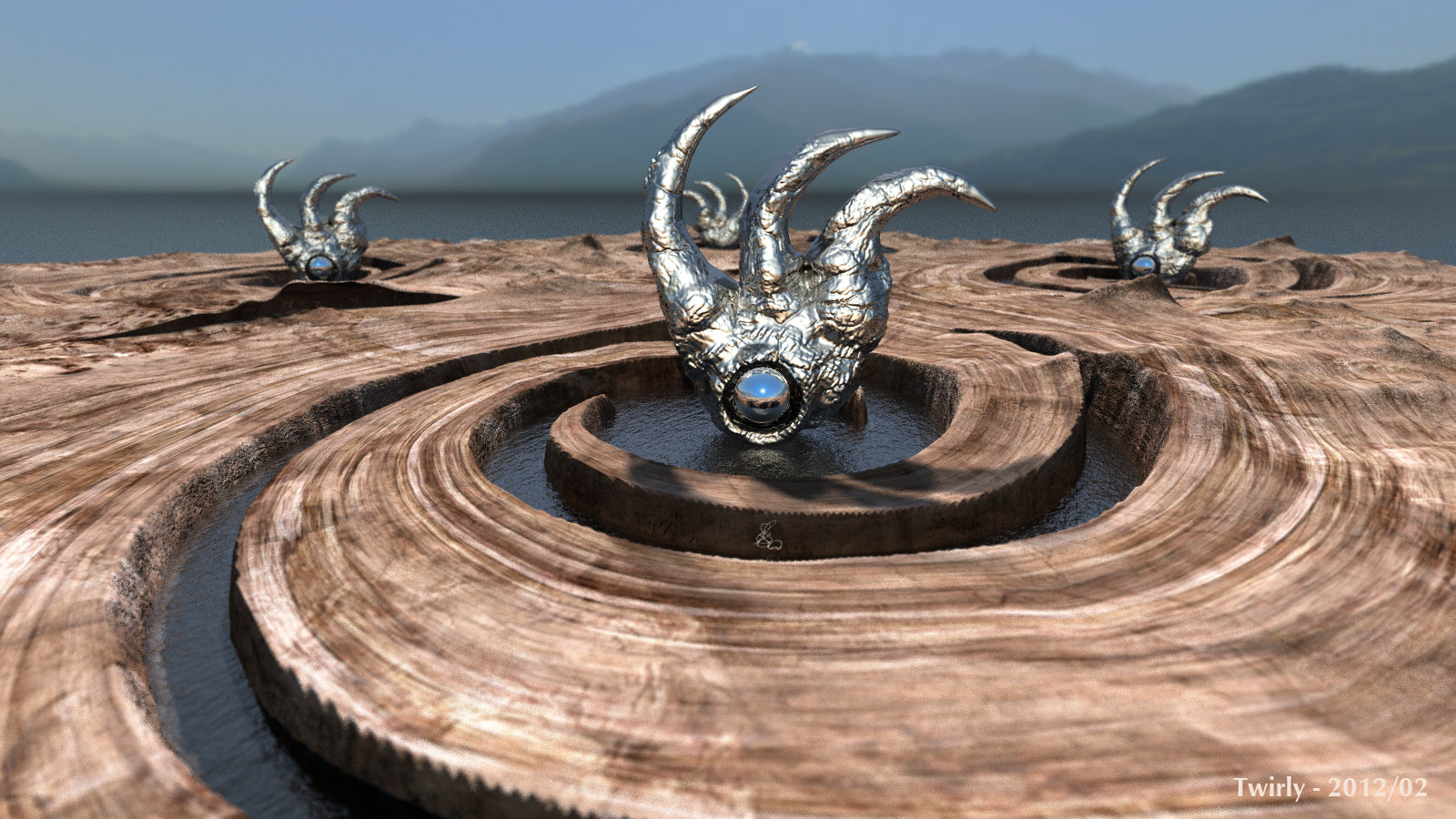
The objects are Alien Artefact # 2 by MatCreator (https://www.daz3d.com/i/shop/itemdetails/?item=12910) For the terrains, I took the basis of an upcomming product by David and myself and filtered it with Kay's Power Tools v3, which came with Bryce 4 and still work in Bryce 7.1. The backdrop and light is from Tourbillion Tower (https://www.daz3d.com/i/shop/itemdetails/?item=13657). Rendered with soft shadows, DOF and HDRI quality 64 in less than 1 hour. The sun in the HDRI is in front, the Bryce sun in the back, visible in the mirror balls. Everything is a bit alien, also the setup with two opposing suns.
Loading unique views6,017 unverified legacy hits5.0 archived rating2012-02-05 added
Comments 9
A conversation around the artworkSign in to join the conversation.
Sam_T - thank you for that tip. I tried it and it worked a charm. Since the terrains are tiled, I get some issues at the seams. I think planning ahead is what is needed if terrains are to be tiled. However, the "teeth" are away.
>>I hated those teeth as well, I couldn't smooth it all the way I wanted I'd solve the problem this way: 1) Choose terrain, copy matrix and material. 2) Export terrain in high resolution to *.obj, with [B]adaptive[/B] triangulation, without textures (uncheck "Image Maps" options). 3) Delete terrain, then import this obj back in Bryce and paste matrix and material. Hope it will help...
Horo, thank you. Everything is working. I copy the height map in the DTE, insert in the Picture editor, edit in the KPT, then back to the DTE.
Hmn... OK if you like, post me the terrain and I will see if I can clean them up with Crazy Bump. I can't promise anything, but it is worth an experiment.
Alexey - in the picture edfitor, there is an arrow between the previews. Click on it and a pop-up appears. Click on Select Plugins folder, then point to the KPT. David - I hated those teeth as well, I couldn't smooth it all the way I wanted. That's one of the issues you have with 8-bit instead of 16-bit terrains, i reckon. All - thank you so much for your comments.
Horo, and how to tie Kay's Power Tools to Bryce? I used Kai's Power Tools 7 as a plug-in PhotoPaint.
Cool terrain and very nice use of DOF, the HDRI works very well in this scene, the water under the object looks very natural as well.
Adventurous use of terrains and mesh objects and HDRI. It works very well and the composition compliments the subject well. Indeed, the only issue I have is I am not keen on the "teeth" on the edges of the terrain in the foreground. The DOF does not hide this sufficiently and if it were my own render I know I would be working to get rid of those teeth. A minor point.
This is really interesting one. I like the way You merged HDRI with Bryce objects and these little DOF works great here.