FROM THE COMMUNITY COLLECTION
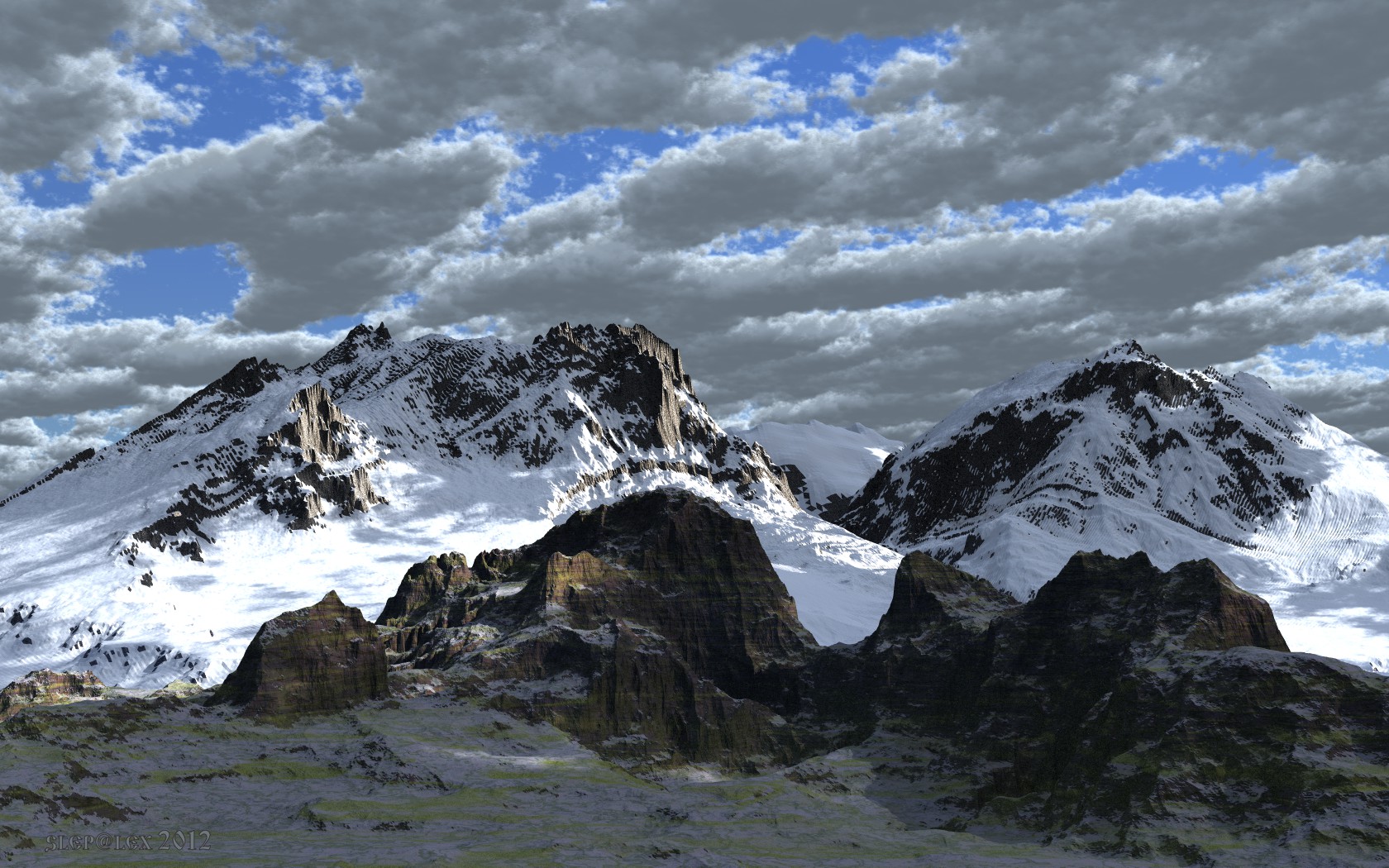
There, under clouds
Bryce 7.1 Pro. Render of Regular AA, 2 hours. In order to snow in the shadow areas look realistic, I used HDRI (by Rashad, changed) as the background and alpha scaling in the channel of Ambience.
Loading unique views6,304 unverified legacy hits1.4 archived rating2012-04-07 added
Comments 8
A conversation around the artworkSign in to join the conversation.
Adobe Photoshop does support pgm (which I don't use) and 16-bit greyscale tiffs. There is a difference between 16-bit (colour) tiffs and greyscales. This is a very nice mountain-scape, Alex.
If you can try Adobe Photoshop - it "claims" to read PGM and it also supports appropriate export formats (tiff 16 bit greyscale). Of course in this nothing is certain.
Thank you, David. I have read posts on the forum. However, they do not answer my question. I need to pave the way around the mountain. It is elementary in 2D editor using layers and masks. At the same time I did not edit the other parts of the area, except for the road. But I can't save in the necessary quality a map of heights in any format (tiff, bmp, etc.). Photo Paint does not understand the format of PGM. Already at occupancy in 2D the editor (through Irfan View) the map of heights has lost the properties. It does not help to convert to grayscale 16 bit. By the way, the mountain of the foreground is loaded into TE without editing (file-import object) as *. PGM. As you can see, it has ideal geometry. Mountains of a background were edited in TE. But also editing in the 2d editor doesn't rescue a situation.
-
I will add for clarity. As soon as you modify the loaded map of *pgm in TE, it loses the properties of high resolution and turns into awfully discrete, step-like form.
Thanks Rashad, David. Mountains are made in Geocontrol and modified in TE Bryce 2048x2048 resolution with uncheck "Smooth". Initially, in Geocontrol the map of heights has resolution of 16 bit (*.pgm format). After change in TE (and even in PhotoPaint) and preservation in BMP the map of heights loses resolution and turns in 8 bit? The Smooth function in TE doesn't improve a situation. I couldn't understand this question, unfortunately. By the way, Photo Paint does not read the format *. Pgm. I downloaded through IrfanView. As soon as the height map is loaded in IrfanView, it loses the properties of 16-bit and becomes overly discrete map 8bit. If File.pgm loaded directly into Bryce (file-import object), then everything is fine!
Rashad has said it all really. A magical scene, the light is superb and the material choices excellent. The only issue, as observed, is the pixelation on the mountains. 5/5
Nice to see that sky getting some use. Everything about this render is perfect. The terrain has some sort of ribbing effect. Seems like an artifact of some sort. Sometimes there are compression issues with 8bit image maps.A slight bit more blue in the indirect light would have helped the impression along a little further, Still I think this scene is quite magical!!