FROM THE COMMUNITY COLLECTION
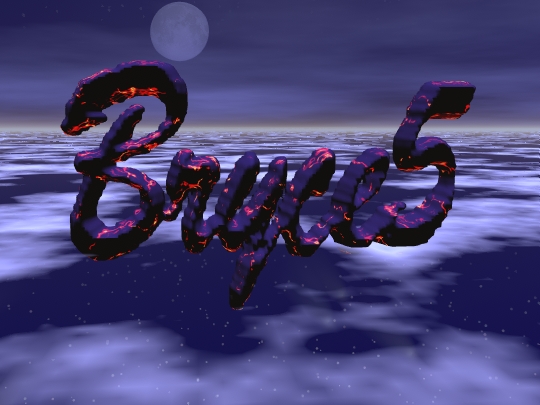
Bryce5
Notice there is a little bit of blur. On bryce5 it looks fine, but when I transfer it, it blurs a little bit. How can I stop the blur? Maybe .jpg .gif .tif?
Loading unique views4,318 unverified legacy hits0.0 archived rating2004-05-15 added
Comments 4
A conversation around the artworkSign in to join the conversation.
Thanks Yeah I saw some of my images on other computers and the graphics varies.
Honestly.... I will have to agree with Davidbrinnen. I don't really see it blur.
Suggestion I don't know why your image blurs but when you export it as an image, choose "max quality" it is better than the default "high quality". I don't really see a blur in it. -Ian
I'd like to help... But, honestly I can't see any blur - admittedly this is only a cheap monitor I'm using (Lidl's finest) - but I'm not driving it at rediculous resolutions so I would have thought it would do so... you'll have to wait and see if anyone else can throw any light on the problem. I can see the thumbnail for this looks very course - the approach I take is to rescale the image in PSP7 down to 150 x whatever (never seem to have any size problem at that rez) and save it JPG "imagename_thumb" for ease of use.