FROM THE COMMUNITY COLLECTION
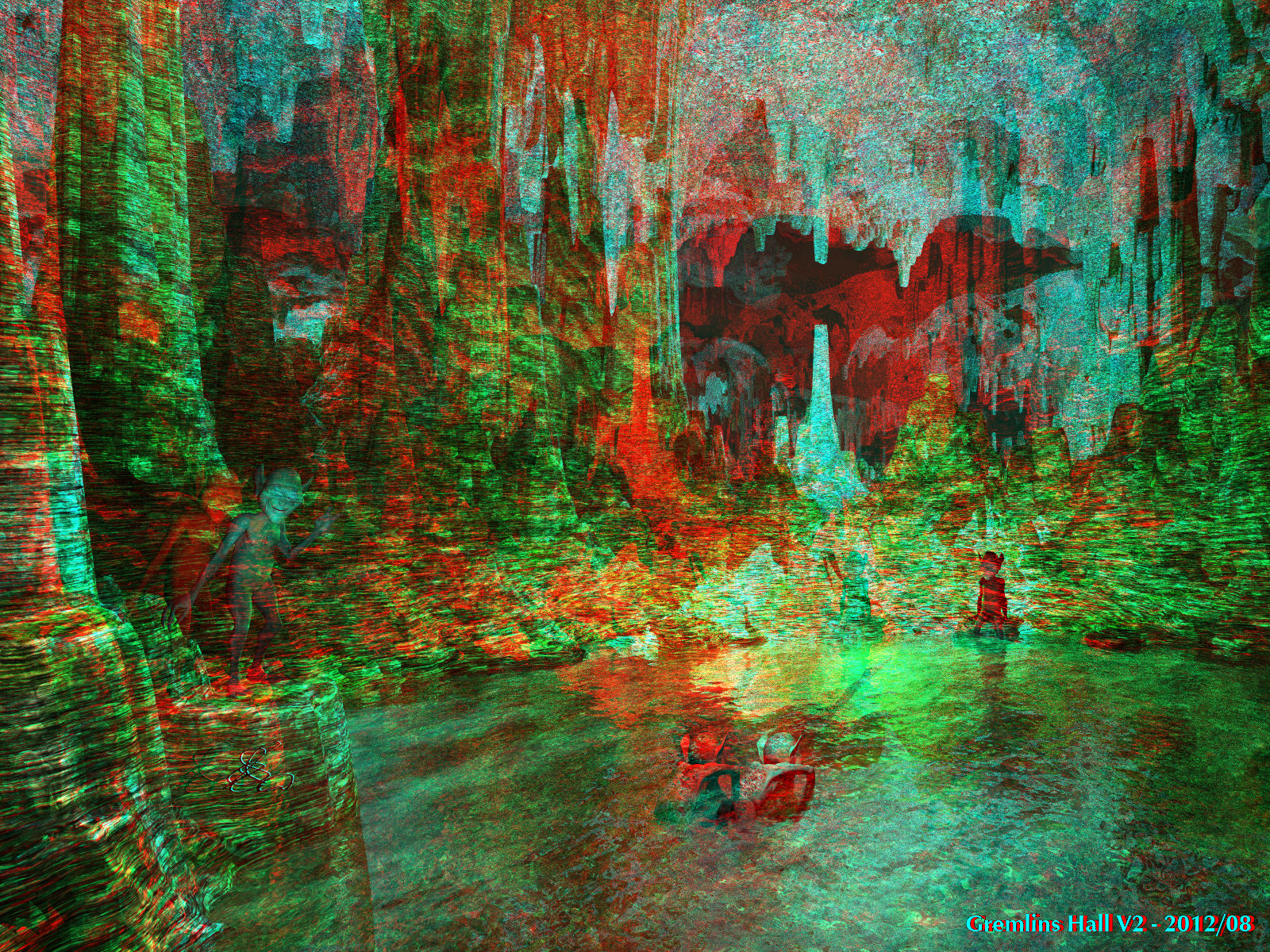
Gremlins Hall V2 (Anaglyph)
This is the same image as http://www.bryce5.com/details.php?image_id=4379. I removed the red content in Ernie's cave material. I used the <Anaglyph Lens System </i>(ALS) to render this anaglyph in one go. The toe-on angle is quite high at 10 degrees, the distance between the eyes has been doubled. This makes the gremlins small and the cave huge. The disadvantage is that it is quite difficult to behold in 3D. The strong toe-in angle tells that things are very near, but they are not. Best start at the lower left corner and once you get it, move on to the waving guy. Once this one is sharp and 3D, move to the right along the middle ground to the sitting guy. Now is the moment to move the eyes up and be awed by the vastness of the cave.
Comments (3)
Sign in to join the conversation.
- ok horo I have been gone awhile but you guys have mored into a new level of neat stuff here and new words like anaglyph..
- Thank you. Yes, it is extreme. It is even more straining in this size. Half size already is easier. Render time was almost 12 hours, mostly because of the high frequency of the noise. Even though it is difficult to behold, it is an interesting experiment.
- It works, but the effect is extreme and I had to back away from my monitor a few feet before I could perceive it. I seem to remember the material for the terrain being transparent... so this render... must have taken quite a while? Interesting idea about the toe in angle... the cavern does indeed seem vast. But the effect is hard on the eyes - or at least I find it so. What works best for me is the grinning gremlin on the left - it seems almost disturbingly 3D! That's very good and quite creepy - it appears to move slightly whenever I look away from it...