FROM THE COMMUNITY COLLECTION
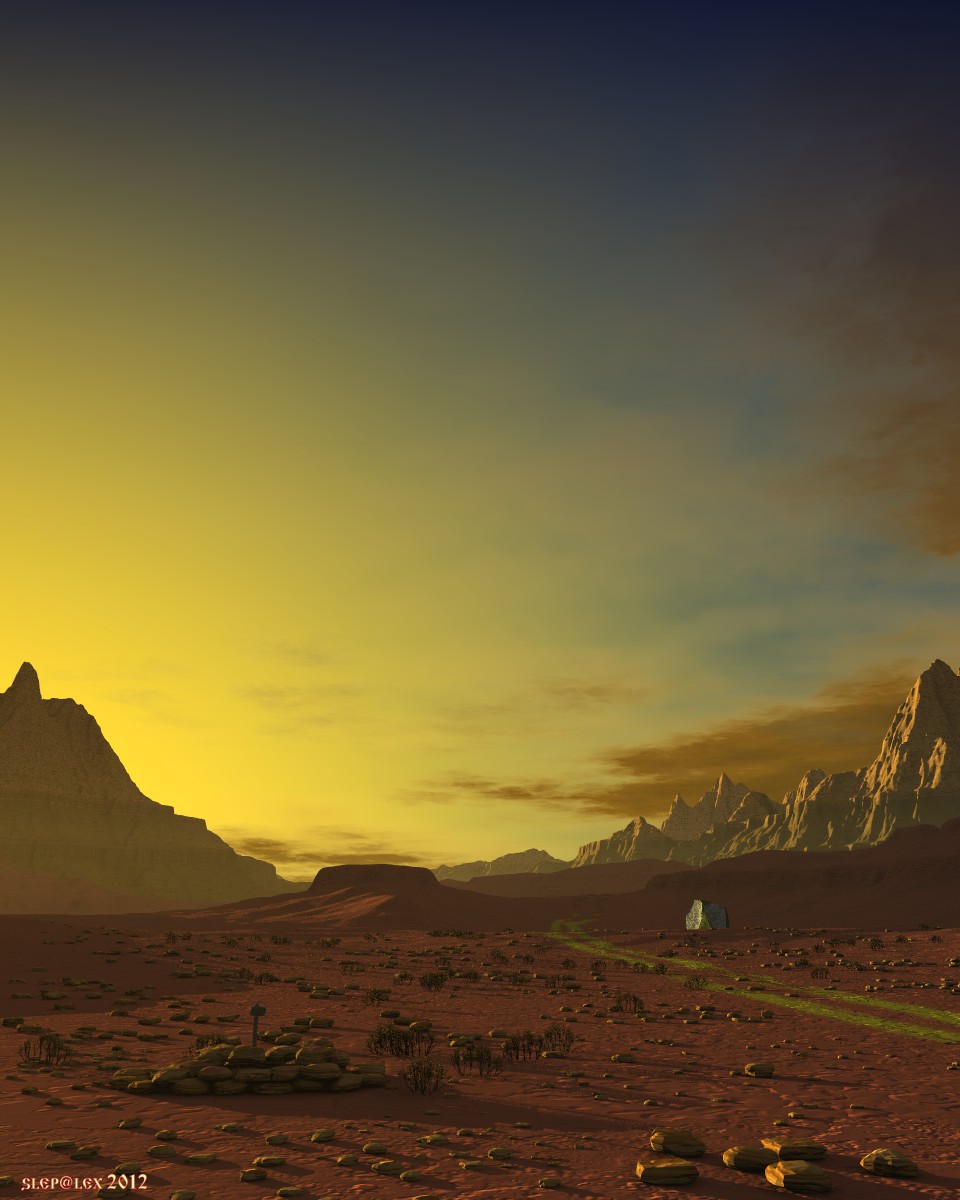
Through the Gobi Desert
Bryce 7.1 Pro. Render Reg AA. 1 hour 38 minutes. Bryce Sky HDRI and a Sphere Fill Light, a dome covering the whole scene. Another experiment with a GI.
Loading unique views4,612 unverified legacy hits0.0 archived rating2012-08-13 added
Comments 7
A conversation around the artworkSign in to join the conversation.
Thanks, Stephen. This stone symbolizes itself an artifact. A subject which appeared here for the unknown reason. There is a lot of such places on a planet. Nobody knows, from where they appeared and for what reason. Perhaps this message of an ancient civilization?
Looks very good Alex, if you had not mentioned the banding i would not have seen it, i had to look quite hard ,the sky looks great, my ony quibble is the large rock on the right does not seem to go with the rest of the scene, but overall a very well done render.
* I usually use 90% compression in JPG (Photo Paint). Optimal in terms of quality and file size.
Yes, now I see the banding. I think that's jpg. On a monitor, you can seldom see banding in a 24-bit BMP or TIFF. Jpg is a lossy format (like mpg, it converts the picture into the frequency domain and then applies a FFT (Fast Fourier Transform) to eliminate things the algorithm thinks we can't see anyway, the result is transformed back). Digital TV works essentially the same way but that is not the reason the content is lousy, only that it looks lousy. There are graphics programs/converters that allow to set the quality in percent, not just low and high and show the result and the resulting file size. I never use lower than 80, and seldom higher than 95.
* David, Horo, thanks for the comments and for the advice. I'll try to save the image in TIFF 48 bit. In fact in this picture at the top of the sky observed discrete color bands. But it occurs after the conversion to JPG. In the BMP format the image looks pretty well. I am afraid that in case of conversion from TIFF in JPG there will be the same.
Beautiful arid scene. I do not notice banding here. Nevertheless, if you want to save the scene in the best colour resolution, you have to do so right after the render has finished. Bryce uses 16-bit per colour floating point variables to render. You have to use Export Image, select TIFF 48 Bit (3x16) if you have a graphics package to load such a picture. You can also use 96 Bit TIFF (3x32) or HDR, but you won't get more information.
Beautiful, composition, lighting, sky. Note if you want to avoid colour "banding", save your scene in hdr format, then process it and then render it down to a compressed format. Save just after the render has completed and you will preserve the maximum colour data saved in 48 bit floating point format - I think... Horo usually has to correct me on this, because I always get the bit depth wrong. But maybe this time I've remembered aright?