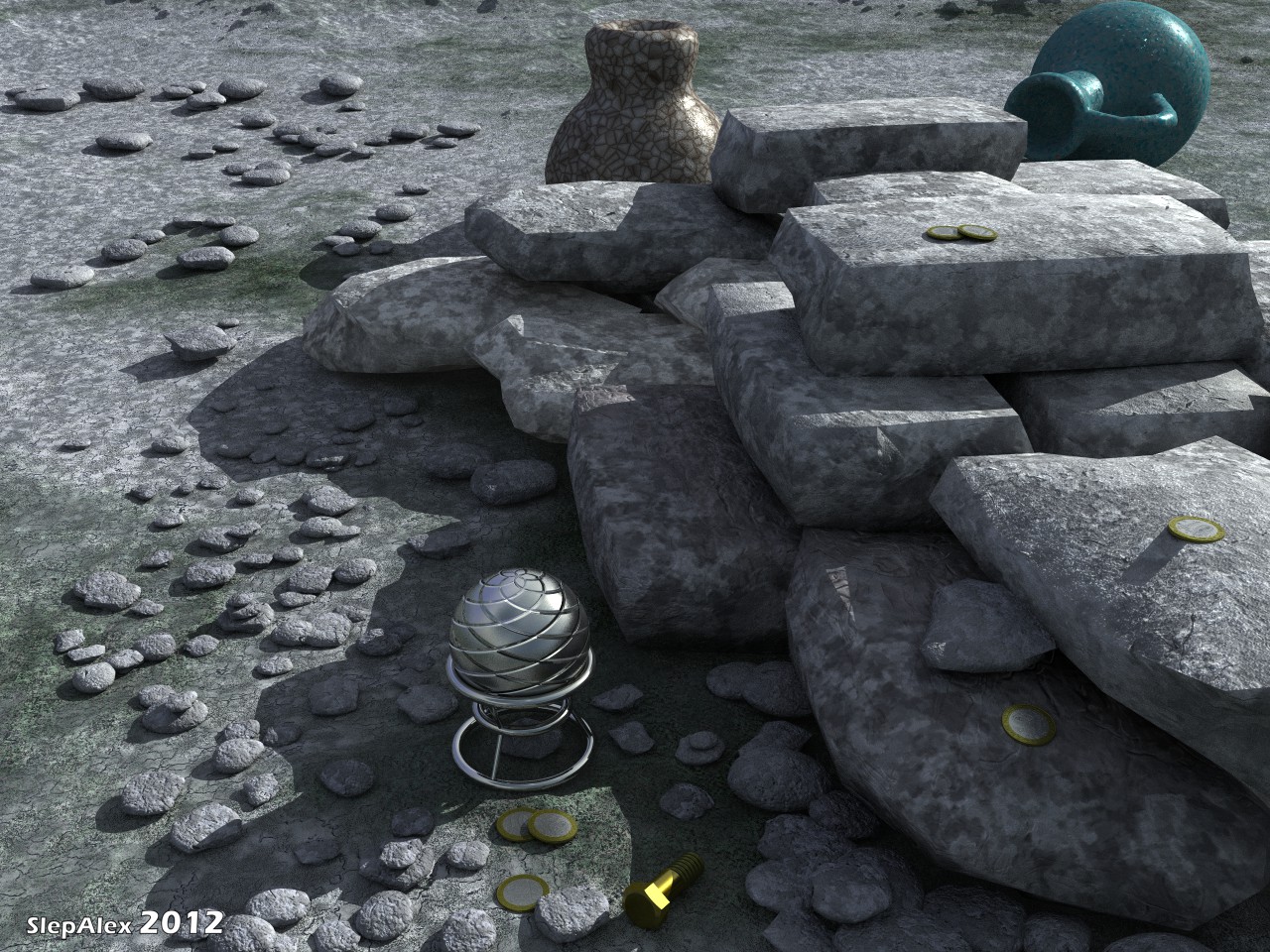
FROM THE COMMUNITY COLLECTION
Among the stones
Experiment with additional lighting in the TA. Bryce 7.1 Pro. Render Premium 64 rpp, TA TA Scattering Correction Boost Light, time 2:43:31. Bryce Sun 100, sky color HLS (156, 170, 63). Clouds are disabled. To amplify light the scene with a camera covered sphere with the following material: The channel Ambient downloaded and copied into the alpha channel of the image ( http://www.bryce5.com/details.php?image_id=4535 ). Normal mode, the shadows are disabled, projection Spherical, Ambience = 100, Transparency = 100, other values = 0.
Loading unique views6,453 unverified legacy hits5.0 archived rating2012-09-02 added
Comments 7
A conversation around the artworkSign in to join the conversation.
Great render. I cannot add any comment that is more intelligent than what has been said already. As for the spherical panos, there is more than one way to do them and with Bryce 7.1 came tutorials how this can be accomplished.
* David, another experiment with additional lighting in the TA mode is here http://slepalex.deviantart.com/#/d5dp7gb . I again couldn't load this work on Bryce5.com. Next glitch? Writes: error of loading of the *.JPG file.
Think of it more of a tool... ;) But yes, we asked for a spherical mapper to be built into Bryce, but we never got it. So after many trials we invented one. There are other ways of doing this, it is just we like to do everything in Bryce. Thank you, I like to keep my thinking cap toasty.
David, I think I would be able to make a map of HDR. But I do not have time to work in the HDRI shop. I have not even tried. I never buy a content. I use only "freebie" :). I also don't sell the works and materials. I can present only. :) I saw this lesson HORO. If necessary, I use it. God grant time to deal with the main possibilities of Bryce. I have on the way a new work and new idea which I developed on the basis of your lesson. Actually, David, you are a generator of ideas!
To make a spherical panorama you can render six faces of a cube and assemble them in cubic cross and convert them in HDRI shop and then export it back as an image. I believe Horo has a tutorial for this on his website. Or... We have a one stop solution. http://www.daz3d.com/shop/bryce-7-pro-spherical-mapper Edit. Our items go on sale on the 8 and the 15th of this month all being well.
Thanks, David. And how to make a spherical panorama? The angle of the camera in the picture "Paper boats" 120 °. A similar result is obtained when FOV of 90 ° and 180 °. In this work the image is projected in "Edit Texture" as spherical.
Excellent lighting and a well composed scene with lots of interest in the shadow regions thanks to the ambient generated light. The only thing I would question is that your other image http://www.bryce5.com/details.php?image_id=4535 is a Bryce panoramic 360 projection not a spherical projection? I believe if I mapped this onto a sphere there would be polar information missing. However given that this image cannot be seen directly within the scene it is used, it is not a problem. Excellent work, 5/5!