FROM THE COMMUNITY COLLECTION
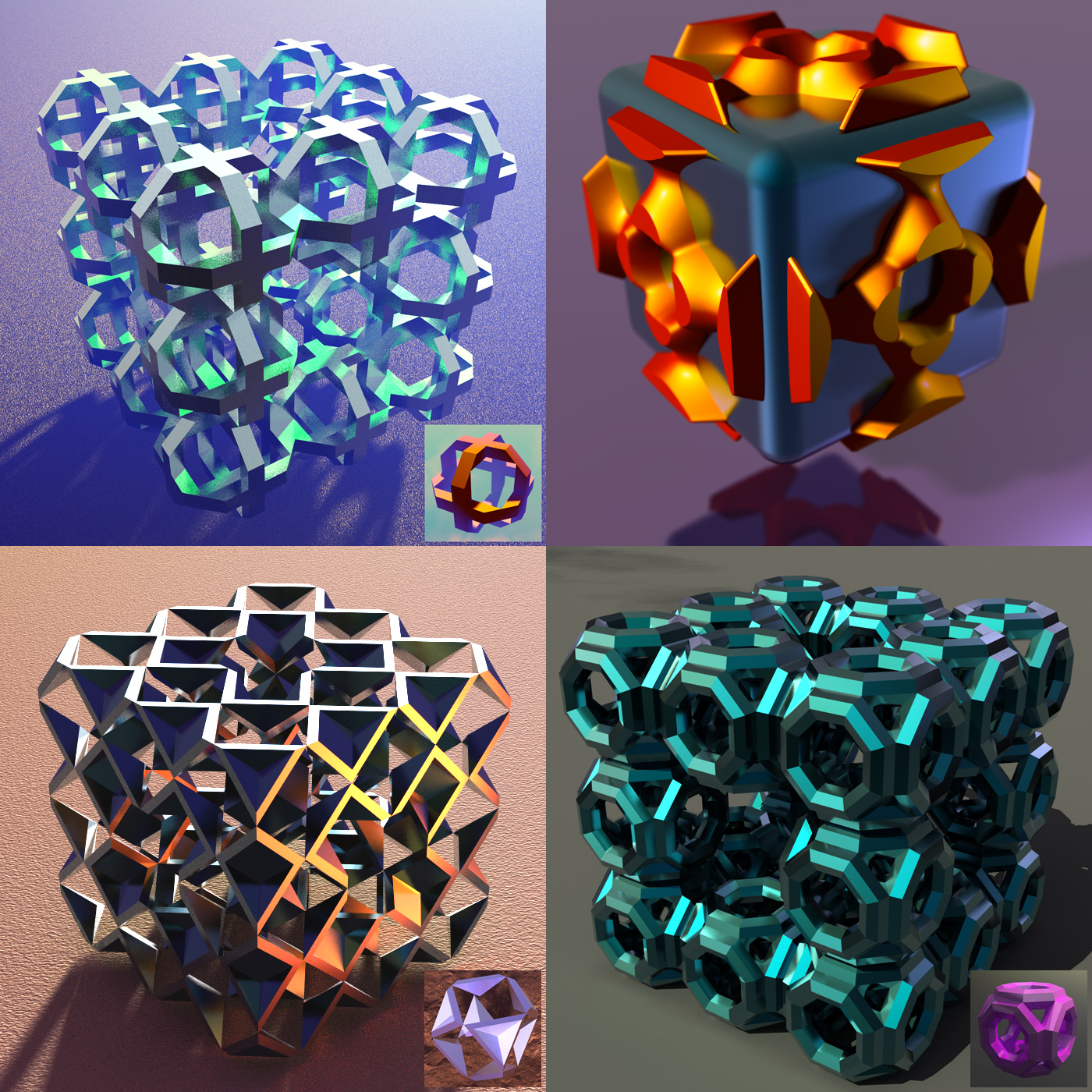
Fancy Cubes 1
For a long time i have been working on Fancy Bryce Cubes. They are fun to make and to explore all the possibilities I have noticed that everyone makes fancy cubes in other programs. I make everything in Bryce. BRYCE Modeller [the hidden application is very powerful] and can make anything. The beauty of it is that with other 3D programs, the program gets credidt for the work, but with Bryce YOU get credit for the work!
Loading unique views4,537 unverified legacy hits0.0 archived rating2013-04-25 added
Comments 6
A conversation around the artworkSign in to join the conversation.
My Response Trish thanks for your kind remarks. I wished i had the spare time to constructively critize your work which is quite nice. I hardly get any sleep. But i have looked at your work. I have to look after my disabled mother and i can't respond to the work of every Bryceling on this forum. Tutorials? Yes Horo has a tutorial on his website. I forgot the URL but Horo may post the URL later. Yes electro-elvis. You have a good eye. That cube is the best. No Horo i did not learn in an afternoon either. I needed many tomorrow mornings. I have more then 15 years under my belt and i am still a babe learning.
The cubes look very good. And you're certainly right: it is not the tool but the artist. However it is also a question how artfully the tool is wielded. What you do, I cannot learn in this afternoon, I'll need tomorrow morning as well ;)
I like the cube in the left corner best. Nice material and very well illuminated. I do completly agree with your last statement: "The beauty of it is that with other 3D programs, the program gets credidt for the work, but with Bryce YOU get credit for the work!" The beginning is hard, but the joy, if you have made I nice object with Bryce only, is well worth all the effort.
Thank you so much as I have said before to me your work is amazing..I can hardly wait to see the dragon finished...Have you ever done any tutorials that I could look up?
You can find it in your own mind. Hi Trish, It is a bit like learning a musical instrument. I have heard and seen a pianist at a concert. I though how could he (or she) create such music from this dumb instrument which can't play itself. Similarly i have seen Origami artists create magnificent 3D models from a square steet of paper without cutting it - only by folding. Well the answer is technique, procedure, practice [and more practice] and understanding the limitations of the medium. It is ironical that the greatest art in human history came from the greatest limitation. BRYCE Modeller is an application hidden in Bryce which consists of procedures which the artist invents based on the Bryce tools which can be discovered and used in many different ways not usually considered as possible, normal or even valid. It is a bit like a Mechano Set. You can put the bits together to make all kinds of "things" but you don't get those "things" when you buy the Mechano Set. You can make not just models but also optical engines to change how Bryce renders and much else. Let me give you some practical information. After i have installed Bryce i create a directory called BRYCE Modeller. Inside are many subdirectories organized to suit my workflow. Then i delete all the Object Libraries installed by Bryce because they are no good [that forces you to make everything yourself]. I then create my own objects and template files as well as default files, each of which will make Bryce launch with a particular Modelling Workshop needed for certain procedures [of course i have built these things over 15 years or more]. Over time a lot of things are accumulated and stored in the Object Libraries and in the directories were Bryce is installed. So when something needs to be made it is usually not necessary to start from the beginning but rather start with a model already made or use a template file. If for example you have made a good 3D font in Bryce you can use it over and over again. BRYCE Modeller has 3 major Sections which each can be driven by millions of procedures [the artist invents and perfects those!] and they can interact and be used recursively. (1) DMML = Displacement Map Modelling Lab ["Terrain Editor"]. (2) CSG-BSO Modelling [using the Bryce "Primitives" and Boolean operations and also making Mesh Objects out of them if required]. (3) PFSO Modelling. Proximity Field Surface Objects. These are not limited to spheres ["MetaBalls"]. Ultimately all this technique and technology should lead to beautiful compositions and renders. Otherwise there is no point to it. That is why i am now working on the Bryce Dragon Model Project - a pose-able model of a realistic Dragon [even though i know Dragons are not real] which has a skeleton of bones. The "Flesh" constituted of PFSOs is driven by the bones. So it is very similar to making Dinosaurs in Lightwave or Maya. It is perhaps surprising to some that one can do that in Bryce. Yes, we can have a Bryce Jurassic Park! Most people don't want to see these "abstract" cubes and things i make. They want to see detailed models of realistic Bryce-ONLY creatures and see them posed and rendered in an interesting environment.
I like your cubes where is this hidden modeler in Bryce ? how do I find it? Thanks Trish