FROM THE COMMUNITY COLLECTION
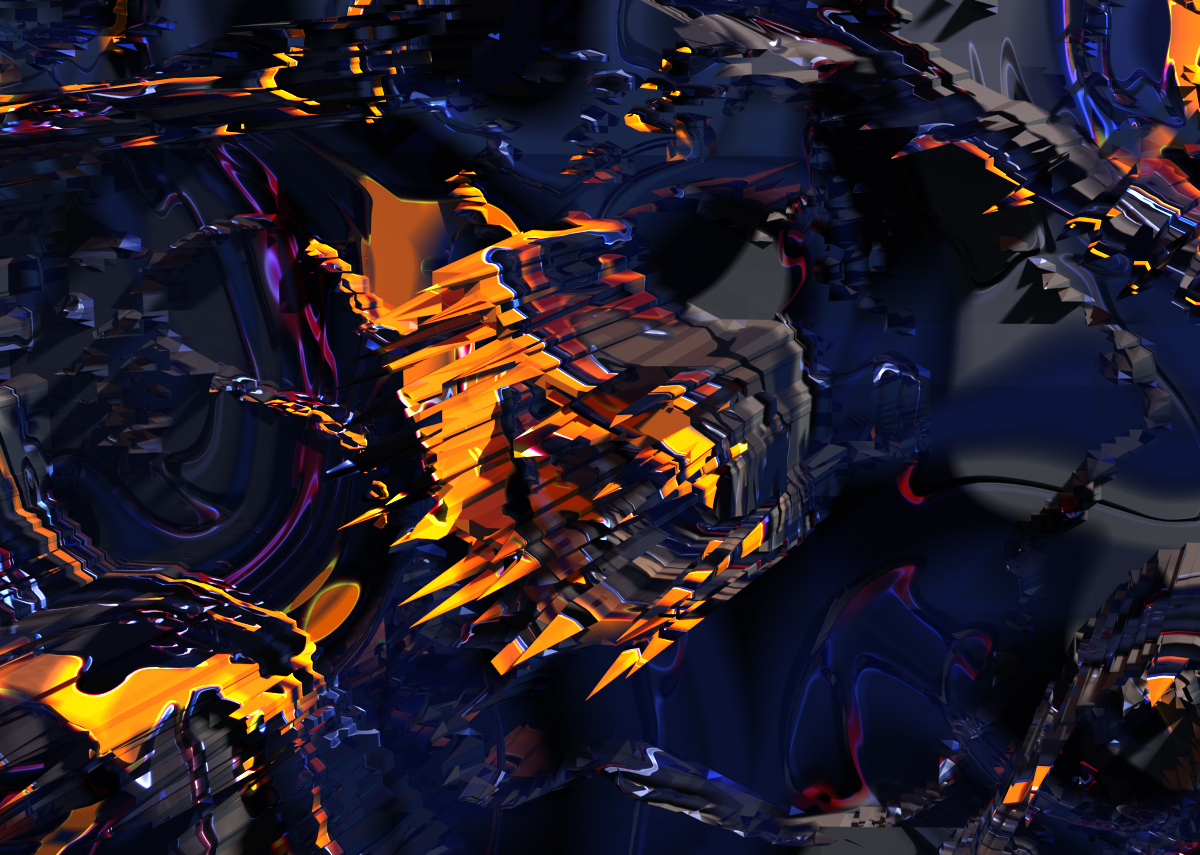
MDMM Alien Planet Close Encounter
This is a zoom shot of one little zone of the Image i posted before. Took a long time to render using low priority. But it did not crash so my idea of using low priority seems to be working [on my computer at least]. Looks like a sort of meld between "The Matrix" and the "Death Star". I would suggest you do not venture to close to this cosmic anomaly. This is just fun stuff and i am just experimenting. I could do much better if i had the time. To get really cool planetary surfaces with MDMM, you need to model your own planet in great detail and then render it as Grey-scale Map using a Panorama to Spherical Map Transformer. You need to render the model from the inside using Bryce Ambient Painter. In case you are confused, consider this: Build a cube, octahedron, dodecahedron or other such object, such as for instance many terrains placed suitably and evenly on a sphere. You are building an abject to render a map and NOT the final object itself. AND you are looking at the object from the inside! You could build your own Torroidal Lens System for capture or use Horo's and David's "Spherical Mapper". To texture the model for the Spherical Capture, use Distant Origin Texture in World Space [Black and White only]. Make sure the Model and the Spherical Mapper are at World Center, then adjust the gradient in the DTE so the highest points on the model are white and the lowest black. Since you are looking from the inside, white is furthest away from the camera at this stage of the process. Note then when using BOIP Engines [involving mirrors and lenses], Distance, Mask and Altitude renders do not work as expected. Also Collimators - like putting a Camera inside a transparent cube with zero refractive index - do not work either. Therefore you will have to create the grey-scale maps [which mimic distance from the camera and so on] using Bryce Ambient Painter. Once you have the Spherical Map rendered you can use it in the MatLab and apply it on the D channel as a picture TO A SPHERE. Test render and save as Diffuse/Ambient before engaging the displacement marble! Then you can disengage Diffuse and Ambient and use those for other things. One day when i have time i will show you. Or perhaps Horo or David may do a tutorial.
Comments 1
A conversation around the artworkSign in to join the conversation.
You demonstrate a lot of control over the displacement. I guess I will have to give displacement a whirl and see how I do creating continents and the like.