FROM THE COMMUNITY COLLECTION
Narrow Lanes
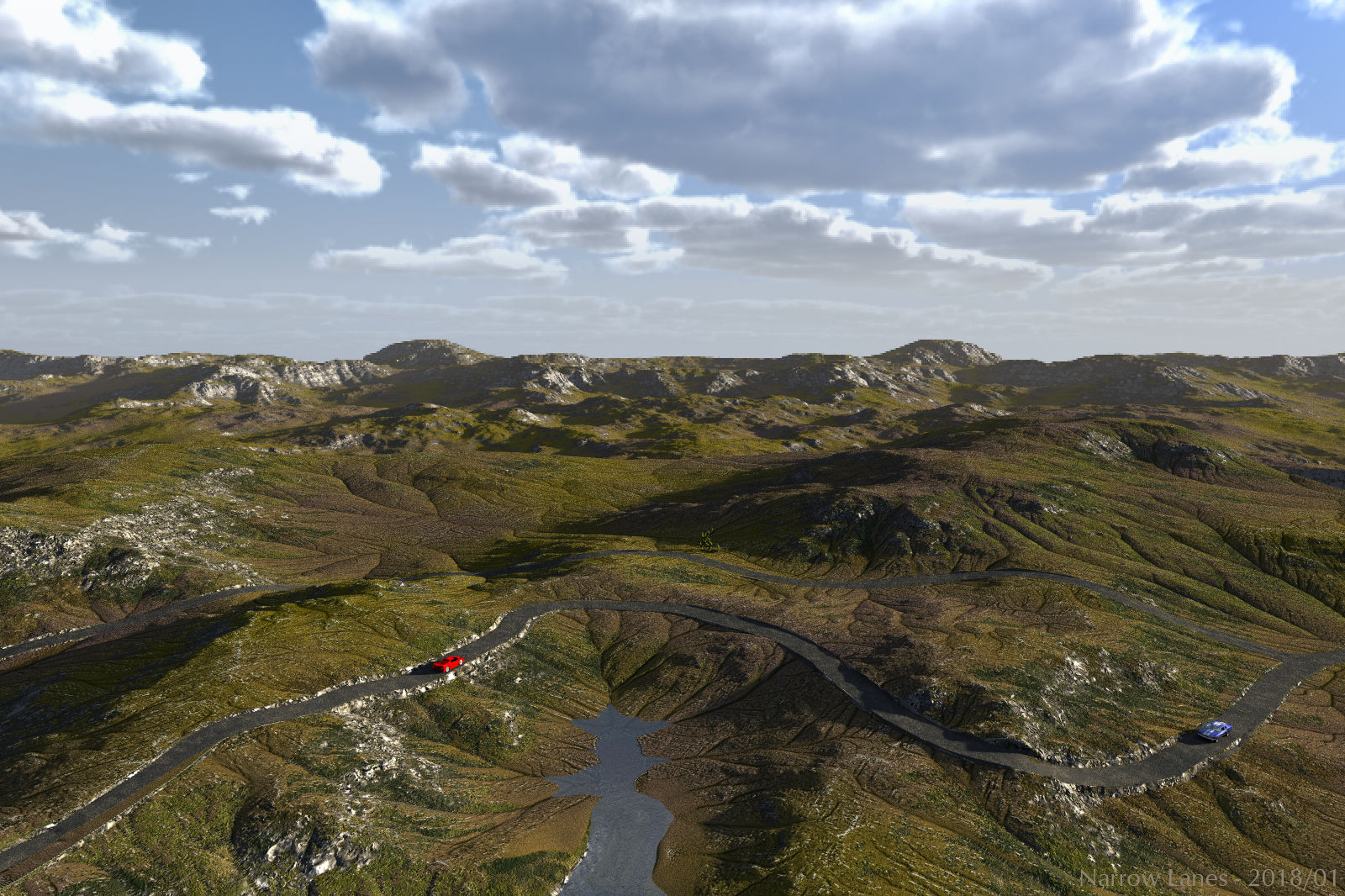
Double stacked terrain plus a road-terrain with materials from the Terrain Stacked set, in the background another two terrains. The sky is from the Sky Toolbox (everything available at bryce-tutorials) and the key light by the sun. The cars are from Daz 3D. Narrow roads lead through the unoccupied countryside.
Loading unique views2,621 unverified legacy hits0.0 archived rating2018-01-14 added
Comments 4
A conversation around the artworkSign in to join the conversation.
Yes - or in the TE. The difficulty is to keep the road from cutting too deep into a mound or creating a too high dam over a depression. A road terrain can be created using the DTE and the texture can be saved in the library for the material on the terrain. The problem here is to get the roads were you want them.
* I tried option with two terrains too. As for WorldCreator, in a few hours I can do such an operation with a map of heights in any photo-style editor ( like photoshop).
Thank you. WorldCreator (successor of GeoControl) has a road filter and with it roads can be drawn and how they follow the terrain defined (sounds easy but can take hours to get it right). Here, I used such a terrain but also a copy of it on which I cut out the landscape and only left the roads. This additional terrain fits over the roads in the terrain and can be given a separate material.
* I have set myself this task many times before, but I could not solve it in a simple and unambiguous way. Is this road a separate object? Is it terrain?