FROM THE COMMUNITY COLLECTION
Jacks
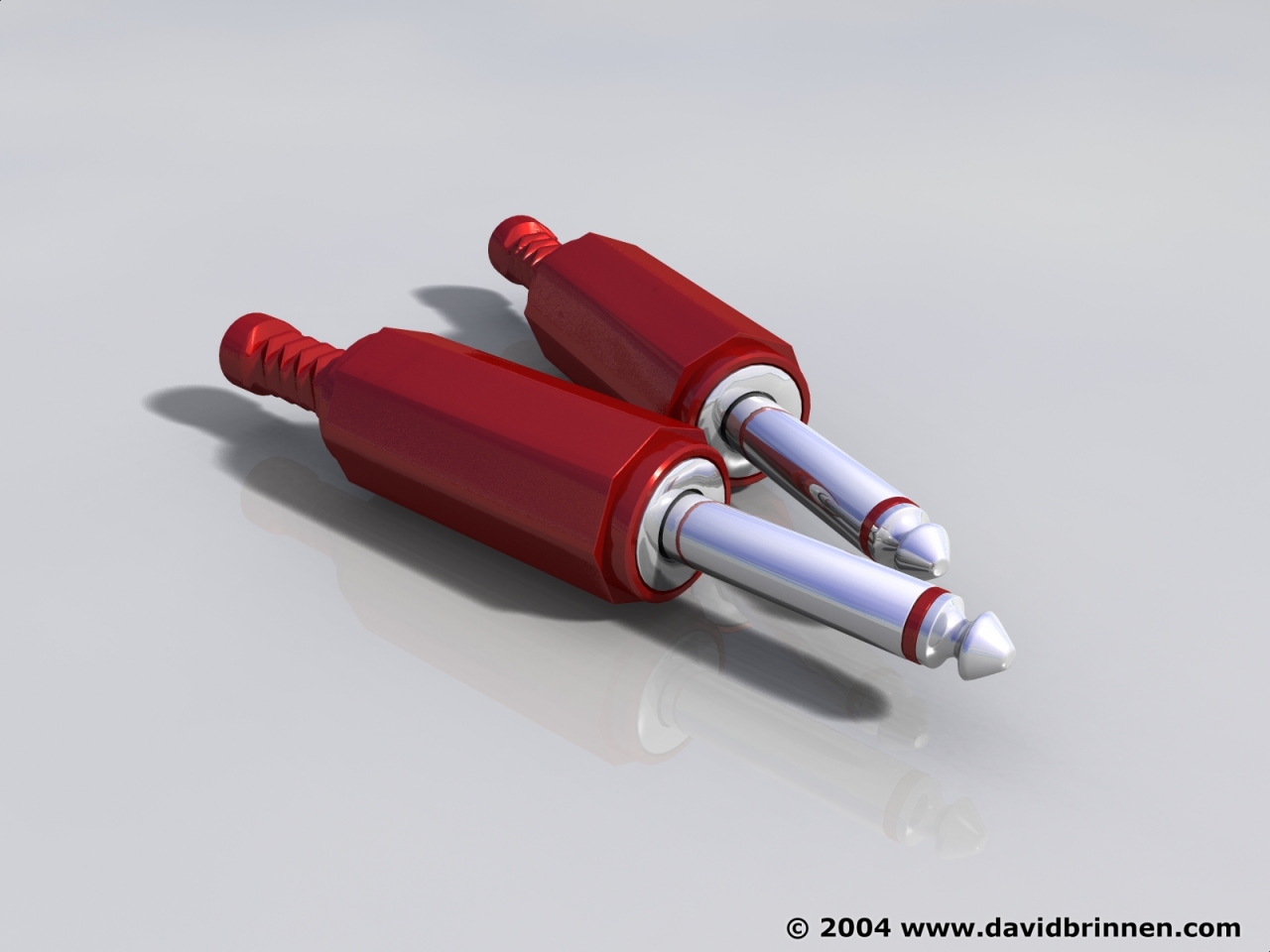
Jacks made in Winds3d - I was experimenting with breaking objects into components and exporting so I could have models with more than one material - turned out to be easy (wings has once again risen in my estimation). I've tried to match materials to beanzvisions HGL system to create a naturalistic effect. Once again I will recommend wings3d and beanz HGL system, both of which are free to download and use :0)
Loading unique views3,858 unverified legacy hits2.7 archived rating2004-06-19 added
Comments 6
A conversation around the artworkSign in to join the conversation.
HGL The info in on my Lighter & Lighting pic ;0)
??? where do you get that beanz HGL from.
Answers I tried to make an exact copy of some real jacks, but they are not exact, I didn't measure anything I just sort of guessed. As for winds3d. You make your model. Highlight it. Goto file. Look for export selected on the drop down. Choose the 3D studio (.3ds) option which is compatable with bryce's file>import object option. Save and move to bryce and load it in. There are limitations, it seems that if the file is too big bryce bawlks - hence my interest in seeing if I could break things down into smaller components :0) Also there is a pdf manual to download on the wings3d site. And a stack of tutorials - some of which are very intensive - if you take my meaning. Hope that helps. Thanks for the comments - I've rendered up some gold plugs too! Rendered ones are the only ones I can afford.
Im confused Wings 3d is extremely weird. I can't even get an object to import or create an object. Im so confused is there anywhere on the web to help me.
Cheap ones Exactly as the cheap ones I'm using look like. There are golden ones with brass or aluminium covers, not only plastic. Superb work.
Pretty Spanky Nice bit-o-modeling there did you draw out of mind or from real object? MaxJK