FROM THE COMMUNITY COLLECTION
Snowfilled
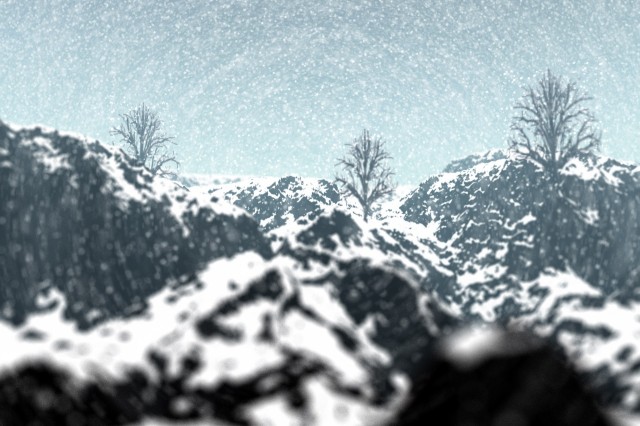
Took quite a while to render, and the Depth of Field settings were tough to get right. Other then that, I found the trees looking similar, but all together it looks decent. :)
Loading unique views4,738 unverified legacy hits3.0 archived rating2004-01-29 added
Comments 8
A conversation around the artworkSign in to join the conversation.
tricky Sounds good! :P
Volumetric snow It's volumetric snow alright, I have the Super Fine rendered version and the snow is very 'chunky', and it looks much worse.
Tricky question - sort of answered (''~) I suspect that these circles arise from within the rendering process itself in the way it builds up the volume material (like slices through an onion) the volumes are layered 2D shells. Ok? Look carefully at the snowscene, the DoF has nearly sorted it, but if that's volume snow (and I guess it is?) then the circle patterns are still just in there (radiating from the centre outwards) - in my case the circles were far more pronounced. I made my volume snow out of 3D spots. Tricky...
Yep the snow is great! David i havent heard of this circle effect! Was it a preset? I wouldnt mind seeing it! :P
DoF I'll have to give it a go. Issues with DoF is the killer render time and is messing up the sense of scale in the scene. I'll try 0.01 as Beanzvision suggests. You certainly achieved a pleasing effect with it!
Nope I just used DoF and it came out blurred, and I was suprised it did.
Brrr... That's good snow that, I've had a few goes at trying to get falling snow and I found strange circular patterns appearing out of nowhere in my volume materials - you obviously got past that problem. My answer was to render the snow in a scene with black textures and then do the scene with full textures but without the snow and then filter the snow (motion blur) to get rid of the patterns and then combine the two images in psp7. I take it you didn't do something like that?
Cool! I like to use a setting of 0.01, that way it dosent look like a minature!